Acronis Mobile

Acronis Mobile Summary
Acronis Mobile is a mobile iOS app in Tools by Acronis, Inc.. Released in Aug 2015 (10 years ago). It has 1.4K ratings with a 4.18★ (good) average. Based on AppGoblin estimates, it reaches roughly 4.5K monthly active users . Store metadata: updated Dec 22, 2025.
Store info: Last updated on App Store on Dec 22, 2025 .
4.18★
Ratings: 1.4K
Screenshots


App Description
Acronis Mobile protects your mobile data against accidental deletion, lost devices, and online attacks by delivering easy, reliable and complete backup for all of your iOS smartphones and tablets.
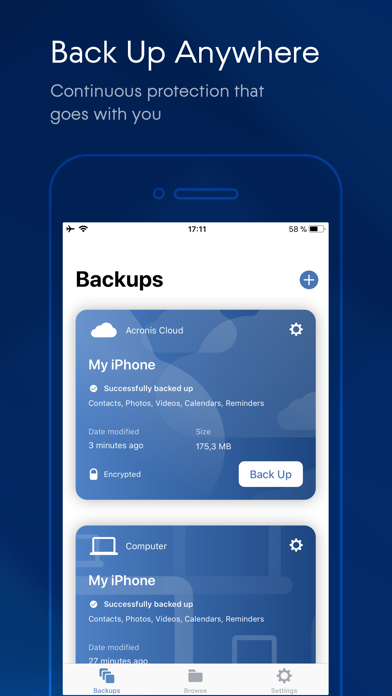
With hybrid protection that’s better than the backup that comes with your phone, Acronis Mobile offers reliable data protection for your mobile devices, ensuring your contacts, photos, videos, reminders, and calendars are safe, accessible, and private. You can simultaneously back up your mobile files to the Acronis cloud and a local computer (Mac or PC) – using your Wi-Fi network to save on data charges.
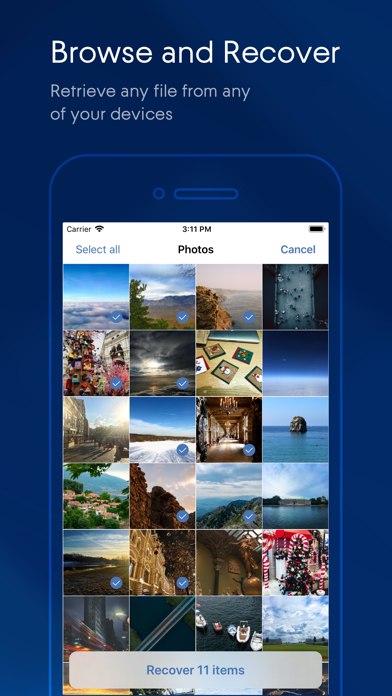
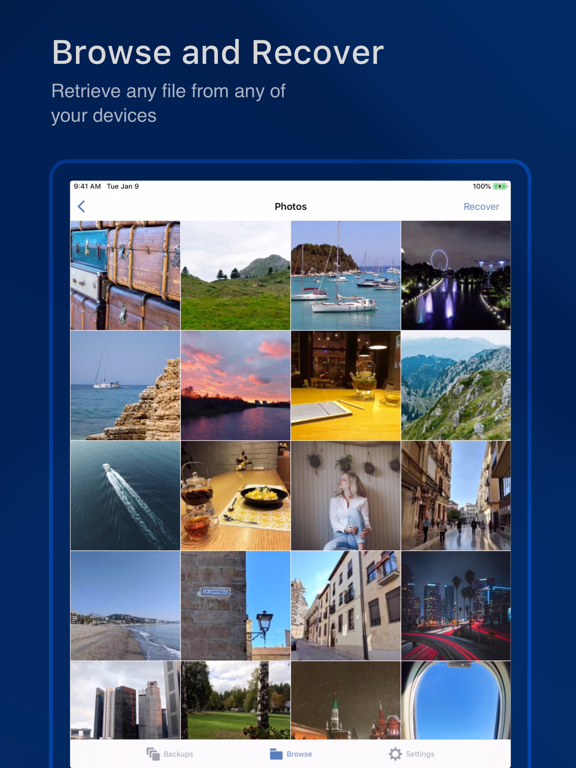
Need to retrieve a specific photo or contact? The new Acronis Mobile lets you browse your backup files for the individual item you want, without having to restore everything.
\*\*\* Note: This app is not designed to work with business-oriented Acronis Cyber Protect. If you are looking for the mobile backup app for your business, search for “Acronis Cyber Protect” \*\*\*
Features
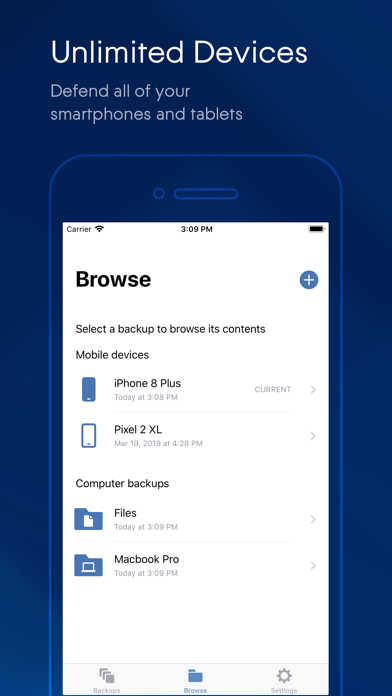
• Protect an unlimited number of mobile devices
• Back up contacts, photos, videos, calendars, and reminders
• Browse back up files to recover a specific item or make a full recovery
• Back up to the cloud and a local computer (PC or Mac) at the same time
• Access backup files to retrieve data from the current device or your other mobile devices
• Ensure greater data privacy by encrypting your mobile backups
• “Save Power Mode” helps manage battery usage, stopping continuous backups when power is low
• Back Up continuously while charging
• Save data charges with the “Use Wi-Fi Only” setting, or back up on-the-go via your cell connection
• Access backed up data from any device, anytime, anywhere
• Manage all of your backups with an intuitive, user-friendly dashboard
The newly redesigned Acronis Mobile delivers backups that are easy, reliable, and complete.