EXIF Viewer LITE by Fluntro

EXIF Viewer LITE by Fluntro Summary
EXIF Viewer LITE by Fluntro is a mobile iOS app in Photo And Video by Fluntro. Released in Mar 2015 (11 years ago). It has 759 ratings with a 4.52★ (excellent) average. Based on AppGoblin estimates, it reaches roughly 223 monthly active users . Store metadata: updated Apr 26, 2026.
Store info: Last updated on App Store on Apr 26, 2026 .
4.52★
Ratings: 759
Screenshots



App Description
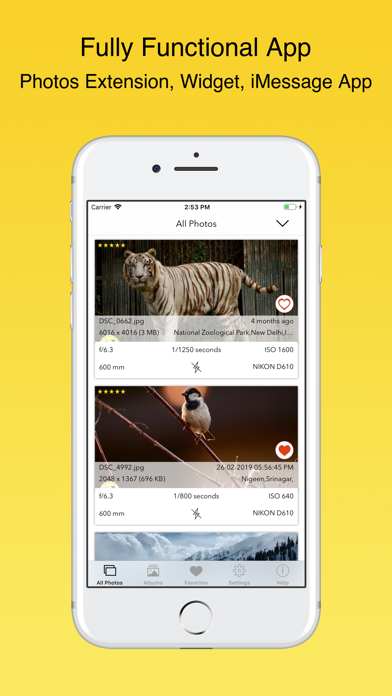
Exif Viewer is beautiful and well crafted app for professional photographers who are serious about their work.
This app also contain ExifViewer Photos Extension along with fully functional app. It's an universal app, buy once, use on all your iOS devices like iPhone, iPad
WHAT ARE FEATURES IN APP?
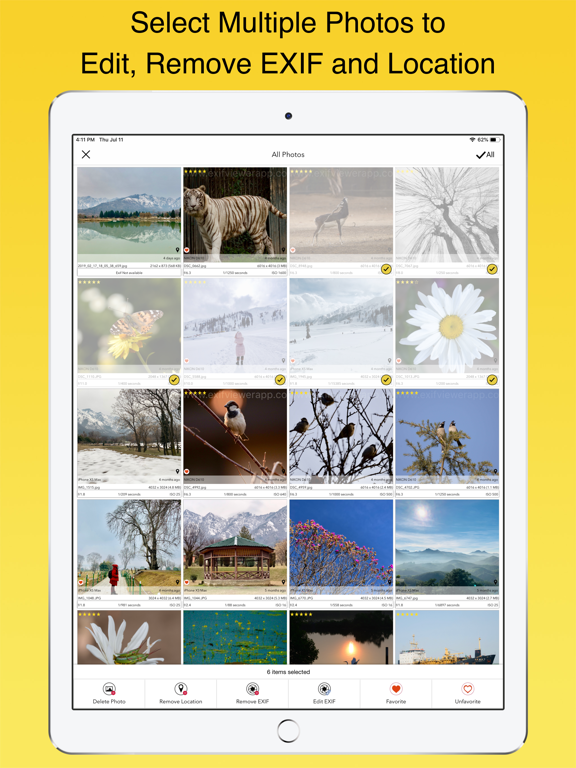
▸ App allows you to remove EXIF metadata including Photos GPS location known as Geotagging of photos.
▸ App displays EXIF metadata of any photo on your iOS device(s), Photo Stream or iCloud.
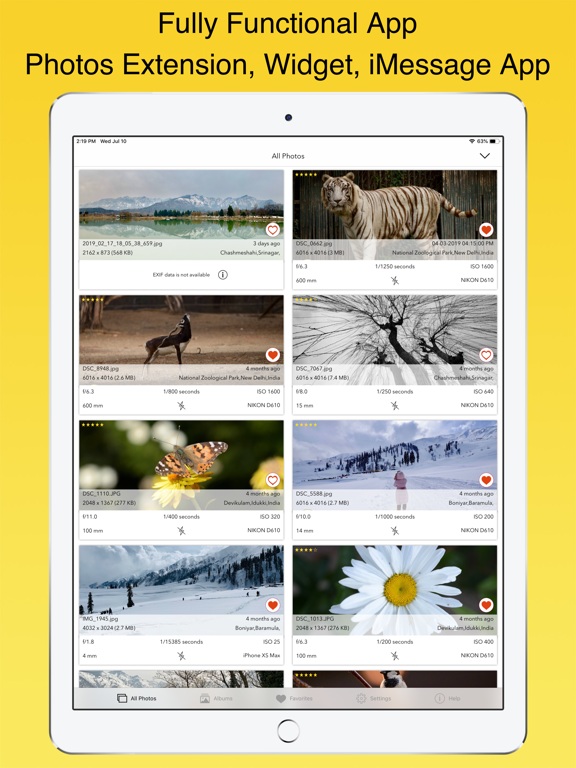
▸ Display EXIF tags like ISO,Shutter Speed,Focal length,Camera Model,Lens Model,Time stamp,Aperture,Shutter Count.
▸ Ability to Zoom in photos,even with large size like 80 MB without loosing clarity / resolution.
▸ Re-order EXIF tags in the way you prefer & ability to hide EXIF tags that you don't want to see.
▸ Select your preferred date formats (eg 1 day ago vs August 24th 2014 vs 24-08-2016 etc).
▸ You can optionally hide photos without EXIF metadata.
▸ Navigate quickly between next and previous photos in Exif detail screen by swiping right or left.
▸ App works great on landscape and portrait mode on iPads.
▸ App is optimised for all latest iOS Devices including iPhone 5SE,iPhone 8,iPhone X,iPad Mini,iPad air,iPad Pro.
▸ App also support 3D Touch on iPhone 8 and iPhone 8 Plus (or newer device with 3D Touch support). Including Appshortcut to access "Favorites","Photostreams","Albums","All photos" quickly. Also Peek and POP functionality on ExifCards and photos in grid view.
▸ Ability to share Image with or without EXIF Metadata.
▸ Copy EXIF data to Clipboard (So that you can paste & share EXIF data as text in any other app).
▸ Most Messaging and Social networking apps remove EXIF Metadata from photos you send/receive. However, sending photos using Mail/ AirDrop retains or SD Card reader/Camera connection kit etc retains EXIF metadata.
HOW TO REMOVE EXIF METADATA on iPhone or iPad using Exif Viewer app by Fluntro
You have option to remove EXIF data in two different ways
1) Overwrite newly created photo without EXIF data on original image (However other apps can revert back to original photo if needed)
2) Create duplicate copy of photo without EXIF details. (We also have option to remove original photo after duplicated copy is created)
DIFFERENT TYPES OF VIEWS AVAILABLE ON EXIF VIEWER APP
1) EXIF Cards List view (as shown in screenshot), swipe to