Scanner Prime! - PDF Scan, OCR

Scanner Prime! - PDF Scan, OCR Summary
Scanner Prime! - PDF Scan, OCR is a with in-app purchases iOS app in Productivity by Kairoos Solutions SL. Released in Dec 2015 (10 years ago). It has 9.00 ratings with a 4.56★ (excellent) average. Based on AppGoblin estimates, it reaches roughly 31 monthly active users and generates around $<10K monthly revenue (100% IAP / 0% ads). Store last updated Sep 28, 2025
Scanner Prime! - PDF Scan, OCR SDKs Summary
App not yet scanned for SDKs.
4.56★
Ratings: 9.00
Screenshots

App Description
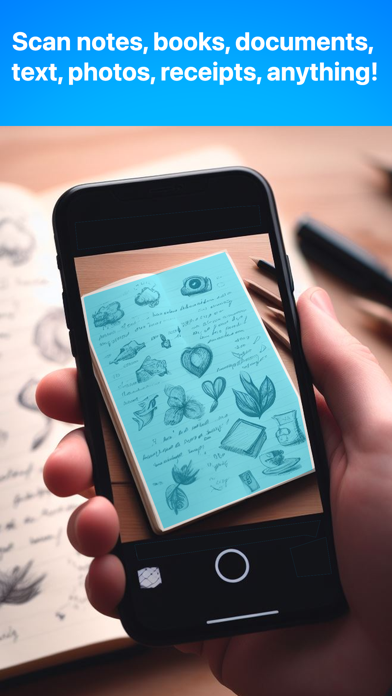
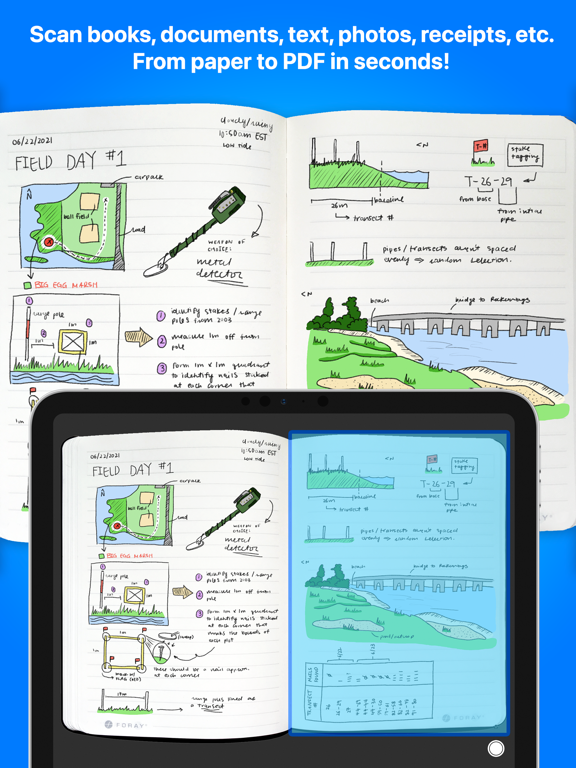
Scan quick and easily real-world objects such as documents, notes, receipts, books, magazines, id cards, business cards, whiteboards and even your photos, etc., and add them to your digital PDF notebooks.
Scanner transforms your iPad and iPhone into a potent mobile scanner with these main features:
· Scan directly from your iPad or iPhone's camera. Utilize the flash either automatically or manually.
· It's a PDF converter as well, convert from MS Office, iWork, Text and other documents to PDF. Edit and anotate them!
· Automatically detects the edges of documents or manually adjust and crop them.
· Scan in color or black and white.
· Rearrange the pages of your document and crop them before saving the project.
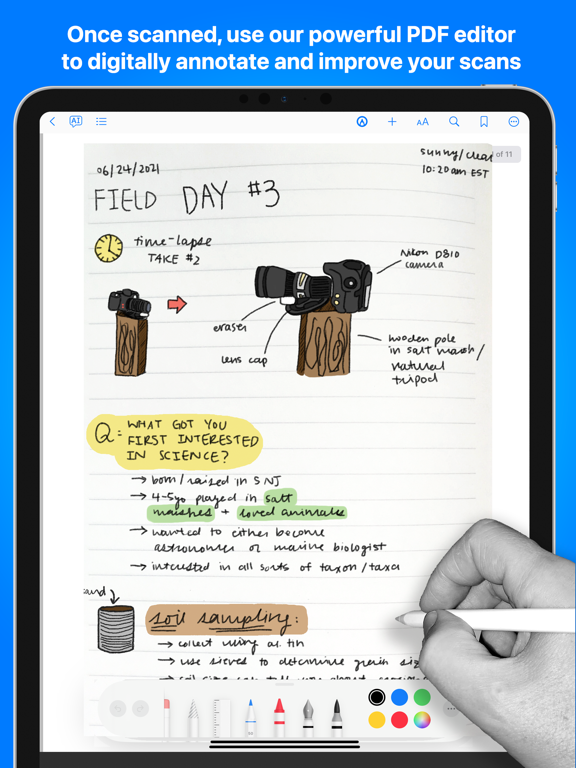
· Scanner provides a tactile, ink-on-paper experience due to the intuitive, quick, and pixel-perfect precise control of your Apple Pencil. It also offers handy features such as tilt and pressure sensitivity, and support for palm rejection.
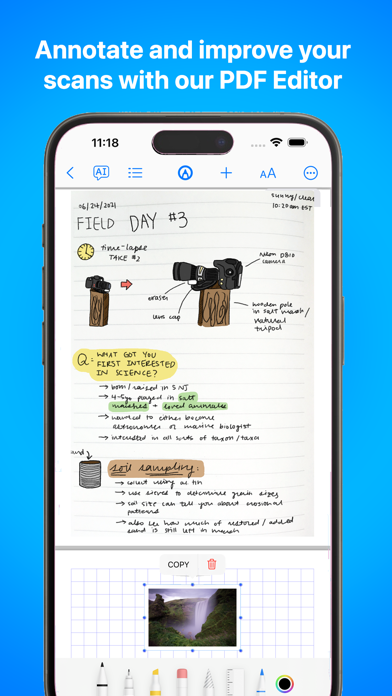
· Use enhanced seven Ink tools to annotate, write, and sketch on your scans including Marker, Pen, Pencil, Monoline, FountainPen, Watercolor, and Crayon.
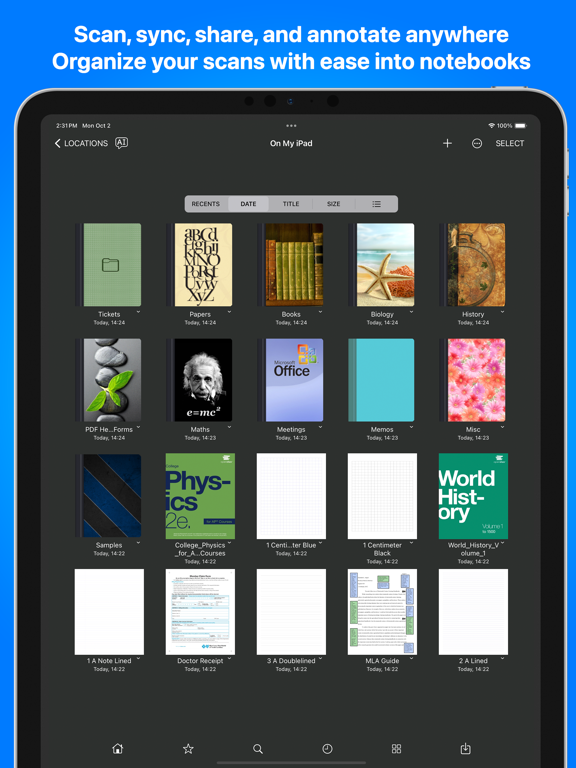
· Veritable file manager to organize your scans in notebooks, folders, and subfolders. Duplicate, delete to trash, or rename your documents with ease. Supports more than 40 file formats. (MS Office, iWork, Zip, JPEG, PNG, RTF, etc!)
· Personalize the cover of your notebooks or folders.
· Send, sync and share PDF documents from/to iCloud Drive, Google Drive, Dropbox, Box, etc.
· Set up a security app passcode to protect your documents.
· iCloud syncs your scans across all devices. Scan a document on your iPhone or iPad and it will automatically update to iCloud Drive. All of your devices, including your computer, will synchronise.
· Includes a robust PDF editor with edition, search and annotation tools.
· Supported document and file formats manageable in Scanner:
· Supported document and file formats manageable in Scanner:
- Text, Books and Documents: Pages (.pages), Numbers (.numbers), Keynote (.key), HTML (.html), Markdown files (.md), Tex Document (.tex), TrueType Collection Font (.ttc), TrueType Font (.ttf), XLS (Excel files) (.xls), PPT (PowerPoint files) (.ppt), PPTX (PowerPoint files) (.pptx), XLSX (Excel files) (.xlsx), Zip Archive (.zip), PDF Document (.pdf), RTFD Document (.rtfd), Plain Text Document (.txt), Microsoft Wor