FileMate

FileMate Summary
FileMate is a ad-supported, with in-app purchases iOS app in Productivity by JUNBO JIA. Released in Apr 2015 (11 years ago). It has 22.4K ratings with a 4.71★ (excellent) average. Based on AppGoblin estimates, it reaches roughly 60.9K monthly active users and generates around $<10K monthly revenue (29% IAP / 71% ads). Store metadata: updated Jun 23, 2026.
Recent activity: 1.00 new ratings this week View trends →
Store info: Last updated on App Store on Jun 23, 2026 .
4.71★
Ratings: 22.4K
Screenshots


App Description
FileMate – Local File Manager
FileMate is a powerful local file manager for iPhone that helps you easily manage, browse, transfer, and protect files.
View documents, photos, videos, and archives in one place.
Keep your private files safe with built-in privacy protection and password lock.
Simple, fast, and designed for everyday file management.
--------
Core Features
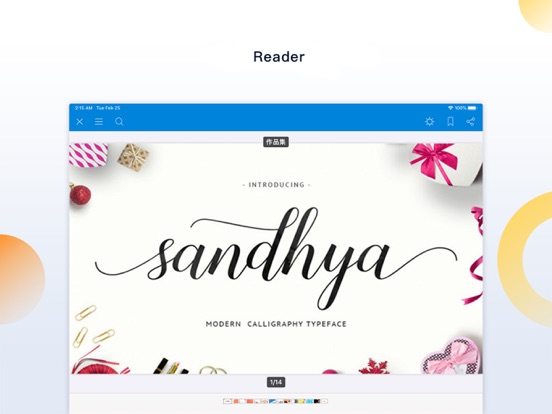
File Browser
Quickly view and preview many file types:
• Office documents and PDF files
• Text files: txt, json, js, log, java, php, swift, xml
• High-resolution images and long screenshots
• Audio and video playback with an efficient media player
--------
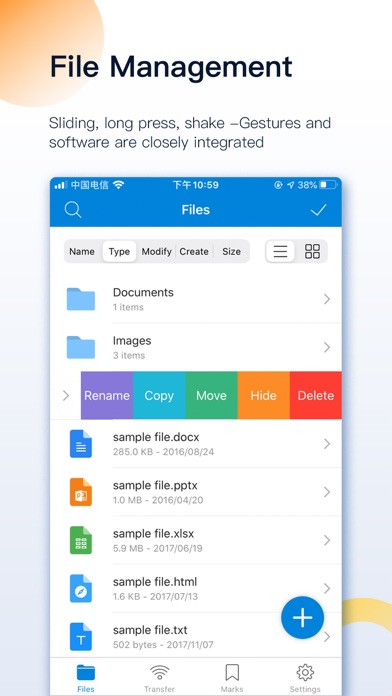
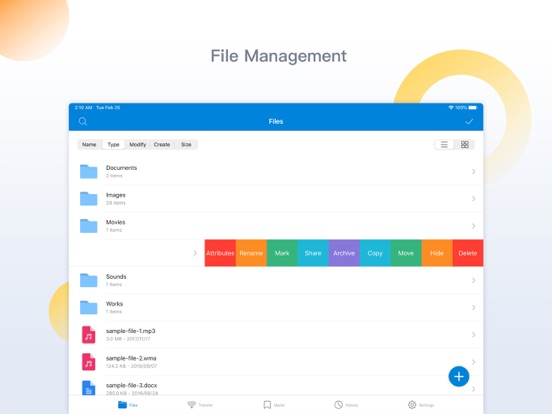
File Manager
Powerful tools to organize your files:
• Create folders and files
• Rename, copy, move, and delete files
• View file attributes
• Hide files for privacy
Sort files by name, type, time, or size.
--------
Privacy Protection
Protect your private files inside the app.
• Hide sensitive files
• Files remain isolated from other apps
• Optional password protection
--------
Key Functions
Add Files
Add files to FileMate in multiple ways:
• Create folders, text files, photos, and videos directly in the app
• Import files from Photos, Files, or other apps
• Transfer files between PC and iPhone via WiFi
• Transfer files between Mac and iPhone using Finder or iTunes
--------
Archive & Extract
FileMate supports common archive formats:
• 7z
• rar
• zip
• tar
Password-protected archives are supported.
--------
File Search
Quickly find files using:
• Fuzzy search
• Multi-keyword search
--------
File Marking
Mark important files for faster access and display them in custom sorting views.
--------
Hidden Files
Private files can be set as hidden.
Hidden files are not shown by default and can be revealed when needed.
--------
Password Lock
Protect access to the app:
• App password lock
• Face ID / Touch ID unlock
• Custom authentication timeout settings
--------
Super Hidden Mode
Hide all settings related to hidden files so only you know these features exist.
--------
Additional Features
Sharing Panel
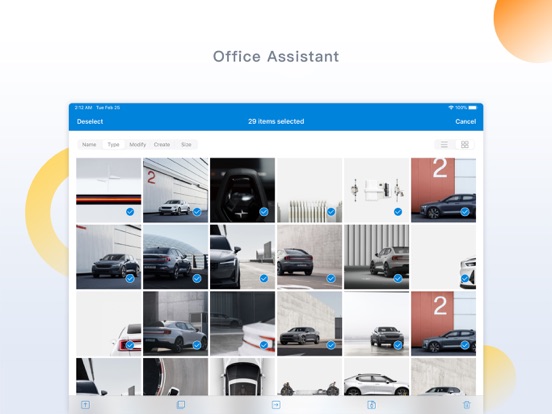
• Import files into the app in batches
• Share files to other apps
Theme Settings
• Customize themes
• Adjust folder style, menus, and text size
Unread Reminder
• Set reminder times for unread files
--------
Contact & Feedback
If you have an