Musica Timer - Earphone Timer with Flexible Commands, Smart Input with a Numeric Keypad

Musica Timer - Earphone Timer with Flexible Commands, Smart Input with a Numeric Keypad Summary
Musica Timer - Earphone Timer with Flexible Commands, Smart Input with a Numeric Keypad is a with in-app purchases iOS app in Productivity by Hiroyuki KATOH. Released in May 2015 (11 years ago). It has 14 ratings with a 2.79★ (poor) average. Based on AppGoblin estimates, it reaches roughly 40 monthly active users and generates around $<10K monthly revenue (100% IAP / 0% ads). Store metadata: updated Nov 18, 2015.
Store info: Last updated on App Store on Nov 18, 2015 .
2.79★
Ratings: 14
Screenshots


App Description
“Default timer App is not enough of the feature for me …” Have you ever thought such a thing? “I would like ...“
- to set a timer on the second time scale!
- to use just my own musics for a timer!
- to listen the sound of timer only from earphone!
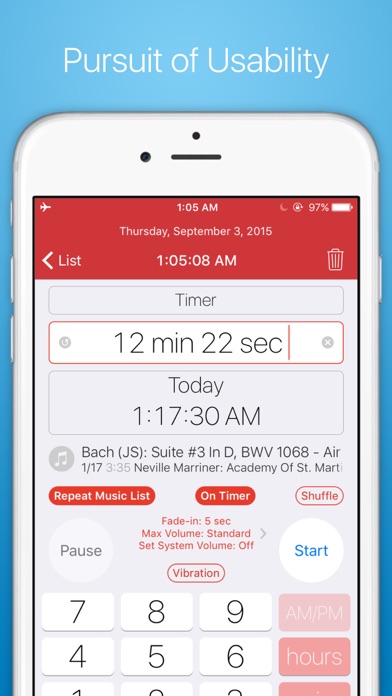
- to set the time with a numeric keypad!
- to set the timer on the time of end!
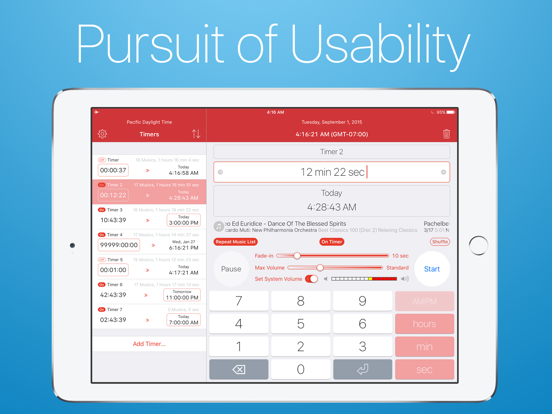
- to use more than one timer at the same time!
- to use a timer only with vibration, without sounds!
“Musica Timer” will answer such a request.
If you have been dissatisfied with the default timer App, please try this App!
#. Strong Point
- You can set a timer at either term or time of end on the second time scale.
- You can use as a off-timer (sleep timer).
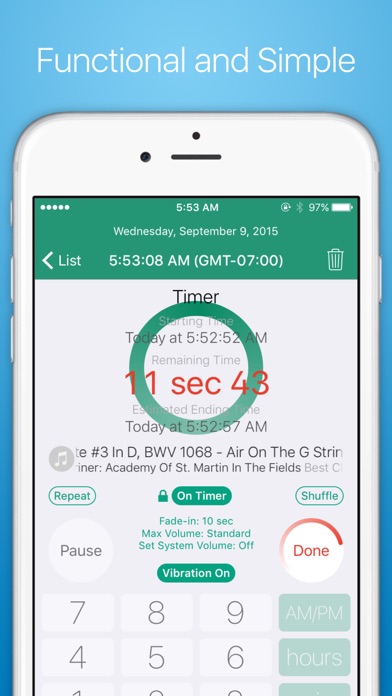
- This App shows both of time of start and estimated time of end during a timer running.
- You can set more than one timer, and run more than one timer at the same time (You cannot add more than three timers without Add-on).
- You can set a time with a numeric keypad.
- You can use your own musics for a timer (therefore, this App has no sound contents).
- You can make a music list as you like, and set a playing mode on a timer to repeat and shuffle.
- You can also make no musics list on a timer, which output no sounds.
- You can set a vibration on a timer regardless of the setting of sounds (iPad has no vibration feature).
- You can set max 60 seconds fade-in for playing musics on a on-timer. On a off-timer, you can set fade-out to the end of timer as you like.
- You can set max sound volume for each of timer.
- The App can show also Greenwich Time.
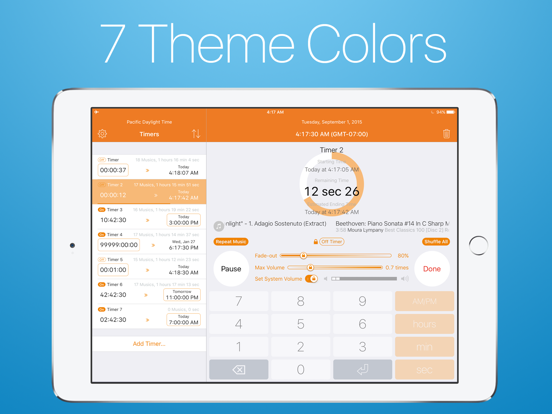
- You can select theme color among 7 colors (add-on is required).
- You can access this App from “Today” widget.
- You can organize this App with URL scheme (jp.37.MusicaTimer://) in other Apps such as lunchers.
Audio output mode of this App is almost same as default Music App, as mentioned below.
- Output volume is always depend on the volume setting of the device. If the App outputs no sounds, please check to see if the volume setting of device is “Mute”.
- Even if the App runs at background, the App outputs sounds.
- When the App is terminated completely, the App stops the sounds.
- Even if the device is at the silent mode, the App outputs sounds.
- When you use an earphone, the App outputs sounds only from earphone.
- When you plug an earphone, the App changes the audio output to the earphone from the speak