My Budget – Expense Tracker

My Budget – Expense Tracker Summary
My Budget – Expense Tracker is a ad-supported, with in-app purchases iOS app in Finance by Tiago Pitteri. Released in Jun 2015 (10 years ago). It has 6.1K ratings with a 4.54★ (excellent) average. Based on AppGoblin estimates, it reaches roughly 36.5K monthly active users and generates around $<10K monthly revenue (23% IAP / 77% ads). Store metadata: updated Apr 20, 2026, version 4.
Data tracking: SDKs and third-party integrations were last analyzed on Apr 25, 2026.
Store info: Last updated on App Store on Apr 20, 2026 (version 4).
My Budget – Expense Tracker was last scanned for SDKs 2026-04-25. Below is the overview of third party companies detected in the app. The full list of raw SDKs, app permissions and unknown SDKs is available here.
 Google
 One Signal
 RevenueCat
 Firebase
 Amplitude
 OpenID
 nanopb
4.54★
Ratings: 6.1K
Screenshots
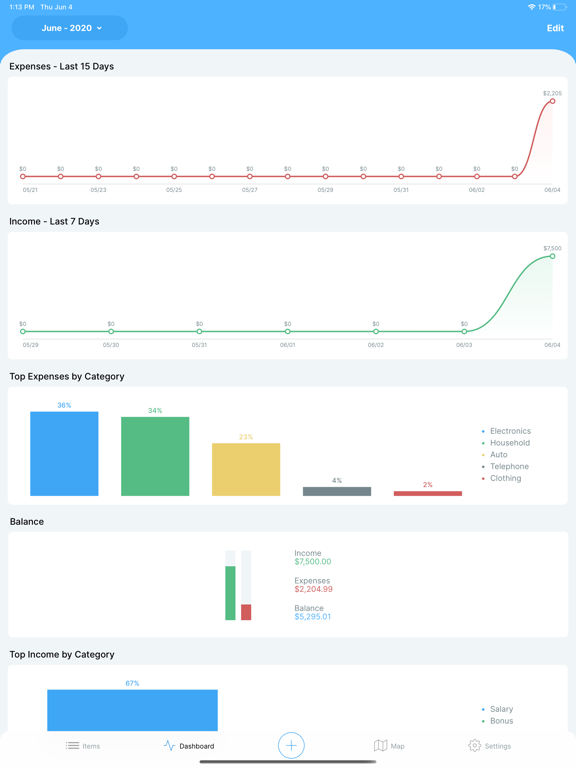
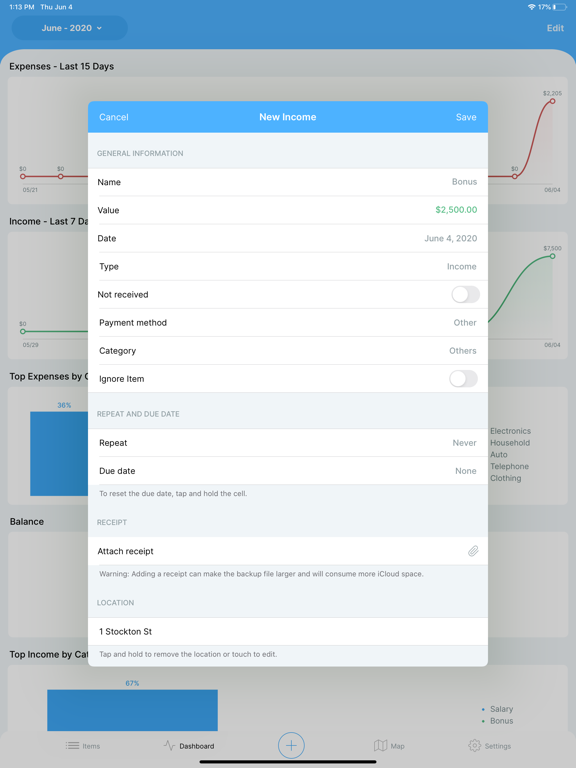
App Description
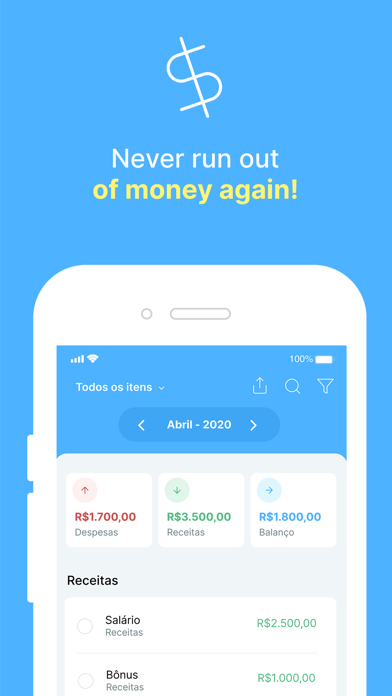
Struggling to keep track of your money? Want to save more and spend smarter? My Budget is the simplest way to track your expenses, manage your income, and take control of your finances—without complicated spreadsheets.
Why Choose My Budget?
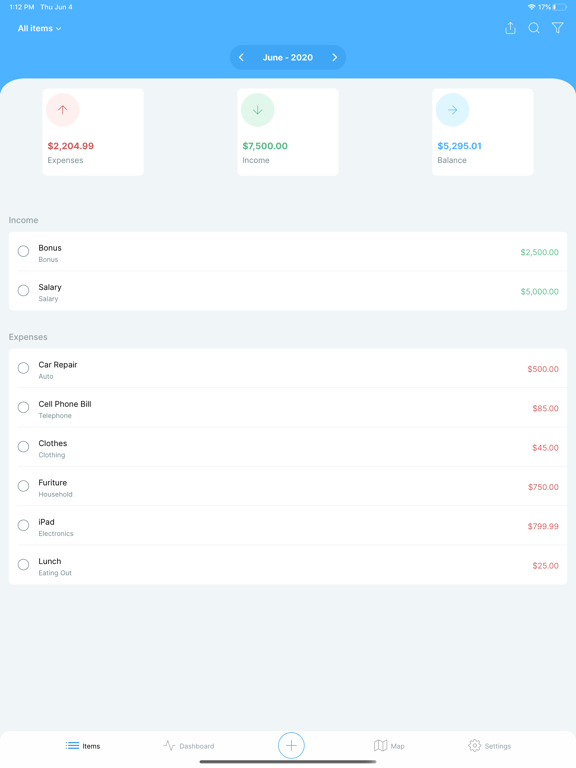
- Fast & Easy Expense Tracking – Add transactions in seconds.
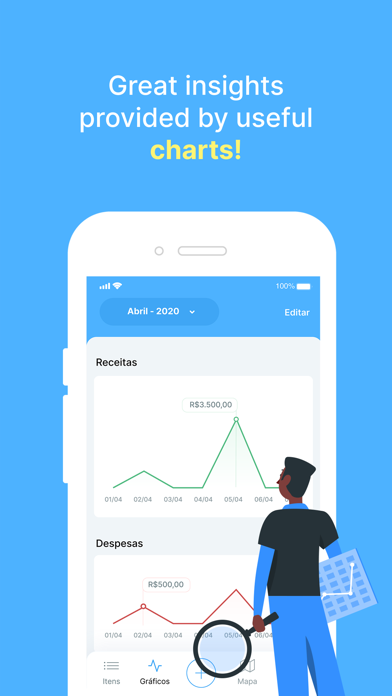
- Clear Reports & Insights – See where your money goes.
- Custom Categories – Organize expenses the way you want.
- Cloud Sync & Backup – Securely access your data from any device.
- Ad-Free Experience (Premium) – Upgrade for an ad-free money tracker.
Perfect for You If:
- You need a simple way to track your income and expenses.
- You want to manage your finances without complex tools.
- You are looking for an intuitive and reliable budget planner.
Join thousands of users taking control of their finances with My Budget. Download now and start managing your money today!
The app is free but it has some limitations. To unlock all the features, the user must subscribe to the Premium Package. Account will be charged for renewal within 24-hours prior to the end of the current period, and identify the cost of the renewal, payment will be charged to iTunes Account at confirmation of purchase, subscriptions may be managed by the user and auto-renewal may be turned off by going to the user's Account Settings after purchase. Terms of use and privacy policy: http://www.pitteri.com.br/privacy_policy.html