Volumee - skip tracks


Volumee - skip tracks Summary
Volumee - skip tracks is a with in-app purchases Android app in Music And Audio by Unique Apps Artur Maślanka. Released in Nov 2019 (6 years ago). It has about 93.1K+ installs and 1.5K ratings with a 4.18★ (good) average. Based on AppGoblin estimates, it reaches roughly 4.6K monthly active users and generates around $<10K monthly revenue (100% IAP / 0% ads). Store metadata: updated Jan 31, 2026.
Recent activity: 137 installs this week (521 over 4 weeks) showing steady growth , and 2.00 new ratings this week View trends →
Store info: Last updated on Google Play on Jan 31, 2026 .
4.18★
Ratings: 1.5K
Screenshots

App Description
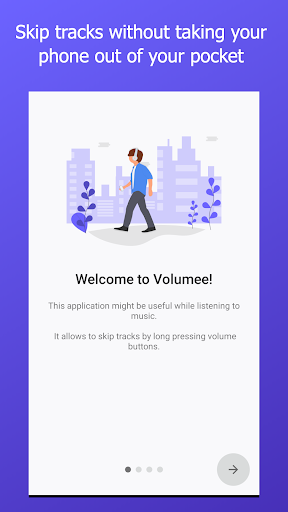
Skip tracks with volume buttons without taking your phone out of your pocket!
Volumee lets you skip music tracks by simply holding the volume button.
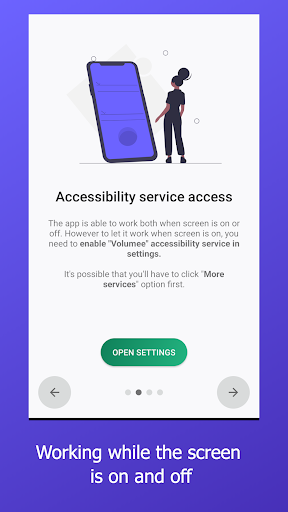
The app works both when the screen is on and off. Unlike similar tools, it works reliably regardless of which app is currently open.
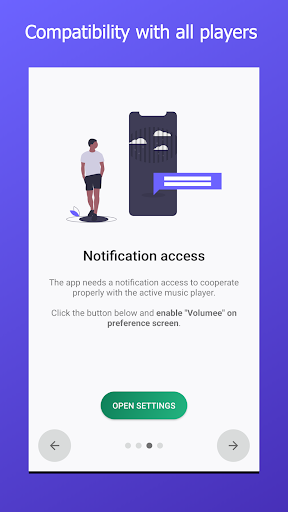
Volumee is compatible with all popular music players. The track is skipped in the currently active player. The service runs in the background and reacts to volume button presses only when a recognized music app is active (i.e. when a media notification is shown). Otherwise, the volume buttons work normally.
Volumee uses Android’s Accessibility Service to operate. This allows visually impaired users to skip tracks without looking at the screen or interacting with touch controls. The service is used only for detecting active media playback and handling button actions.
No personal data are collected. The app has no dedicated backend server (see Privacy Policy for details).
*** IMPORTANT ***
On Android versions 12 - 15, Volumee requires Always On Display (always show time and date) option to be enabled in order to operate when the screen is OFF.
Unfortunately, Android versions 12 - 15 were released with a bug. The problem was reported to Google and it was fixed in Android 16.
The only workaround which allows to continue using Volumee on these Android versions is enabling AOD. Please be aware it might not work on some devices.
***
Credits for animations authors:
- Sin Xiang Yi @waktuxiang / LottieFiles
- Abhinandan Trilokia @49357 / LottieFiles
- Mohsen Farshid @MohsenFarshid / LottieFiles
- Ian Roberts @ianroberts / LottieFiles