Make Me Slim


Make Me Slim Summary
Make Me Slim is a ad-supported Android app in Photo And Video by Astone Martine. Released in Oct 2016 (9 years ago). It has about 176.7K+ installs and 242 ratings with a 2.55★ (poor) average. Based on AppGoblin estimates, it reaches roughly 1.7K monthly active users and generates around $<10K monthly revenue (0% IAP / 100% ads). Store metadata: updated Dec 26, 2019.
Recent activity: 1.7K installs this week (1.7K over 4 weeks) showing exceptional growth View trends →
Store info: Last updated on Google Play on Dec 26, 2019 .
2.55★
Ratings: 242
Screenshots

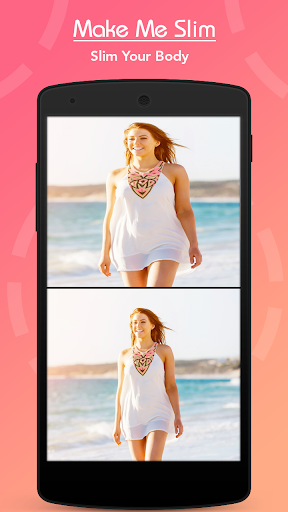
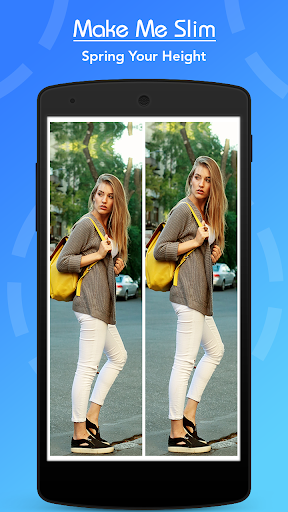
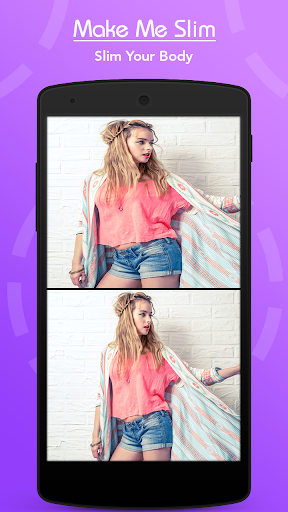
App Description
Make Me Slim Is app to make your body slim and tall on photo
- Make Me Slim & Make Me Tall is Amazing and Fantastic application.
- Make Me Slim Photo Editor is more powerful app than any other having in slim method, so enjoy this latest app with best option.
- Choose a picture from gallery or take a pic using camera, and use the height and width scales to look taller and slimmer. This is also a complete photo editor in itself.
- You can slim your body within fraction of time. You can easily save this photo in your device and share with your friends and family.
Features :-
- Tap to start Make Me Slim Photo Editor app.
- Gallery & Camera: Choose a picture from gallery or take a pic using camera, and
use the height and width scales to look taller and slimmer. This is also a complete
- Figure Slimming : The very first slimming function that
naturally slims your body..
- Still looks natural by slimming your body and Incress Height separately.
Can slim just you even in a group photo!
- Set your face area for not affecting your face.
- Now slide the slider at bottom with your finger to get your body slimmer.
- Click on done button to save your slimmed picture.
- Save & Share: Easily Save Created and Share your best friends or family member
via all social media app.
If you like these make me tall & make me slim app than don’t forget to give rate & review for further update.
Download and start using this application right away.
Thank you…