Bulk Sender for Marketing


Bulk Sender for Marketing Summary
Bulk Sender for Marketing is a ad-supported, with in-app purchases Android app in Business by Olis West Corp.. Released in Oct 2022 (3 years ago). It has about 3M+ installs and 18.6K ratings with a 4.39★ (good) average. Based on AppGoblin estimates, it reaches roughly 443.7K monthly active users and generates around $50K+ monthly revenue (52% IAP / 48% ads). Store metadata: updated Mar 5, 2026, version 148.
Recent activity: 116K installs this week (278.8K over 4 weeks) showing exceptional growth , and 87 new ratings this week View trends →
Advertising: AppGoblin detected 1.00 monetized ad creatives shown inside the app.
Data tracking: SDKs and third-party integrations were last analyzed on Mar 25, 2026. The app's network data flows (API traffic to/from the app and its SDKs) were last crawled on Sep 13, 2025.
Store info: Last updated on Google Play on Mar 5, 2026 (version 148).
Bulk Sender for Marketing was last scanned for SDKs 2026-03-25. Below is the overview of third party companies detected in the app. The full list of raw SDKs, app permissions and unknown SDKs is available here.
 Google
 Microsoft
 ReactiveX
 Bumptech
 One Signal
 OpenTelemetry
 Firebase
 AdMob
AdMob4.39★
Ratings: 18.6K
Screenshots
App Description
Send bulk messages to contacts, extract contacts from groups for Marketing
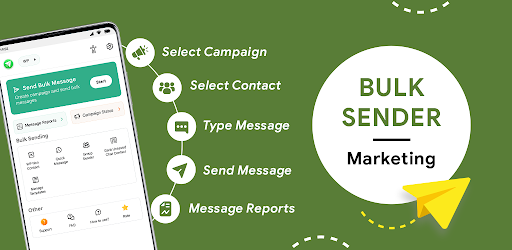
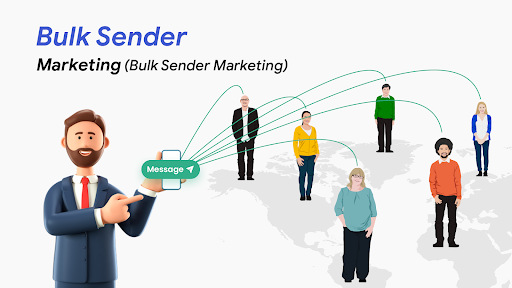
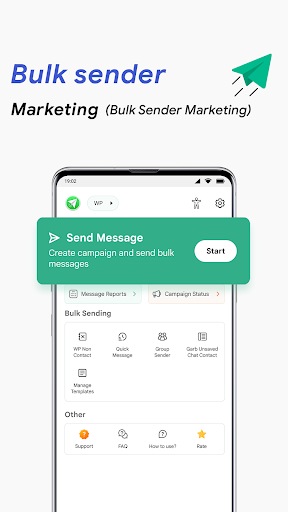
Bulk Sender for Marketing is a toolkit for Bulk Marketing, through which you can send messages in bulk and do promotion of the products or business.
Bulk Sender for Marketing helps to promote and grow the business. You can select contacts, add them manually, import contacts from data sheet, and CSV import contact to do marketing of the products.
It also helps business holders and users/customers to send important messages in bulk to their contacts by reducing the time. Easy to send single or multiple unlimited custom messages to the customers. Bulk sender gives the option to send different messages to different contacts.
You can create contact groups for sending bulk messages and also schedule the messages to send in the future. Bulk Automatic Messaging has the salient feature to send photos, videos, and files with captions. Send links to all your subscribers or users to increase traffic to your website, shop, or your blog.
How to use this Bulk Sender for Marketing application?
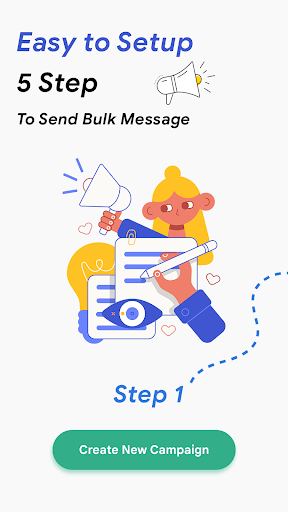
- Create the campaign by adding the contacts manually, selecting them from the contact book, import from an data sheet or CSV file.
- Give the name to the campaign group.
- Click on type message.
- Select the message type: Same message to all contacts or different message to different contacts.
- Write the message and select an image, video, or file if needed.
- Select the send now or schedule the message time.
- Click on send now and you will see the bulk automatic messaging.
- After sending messages you will get the campaign report that the message sends successfully or failed to send.
Functions of the Bulk Sender for Marketing app
1. Message Send Report
- You will get the details of the bulk message that had send successfully or failed to send the message.
2. Campaign Report
- Here the message sent or pending status will be shown.
3. Group extractor
- Select the group and extract the number from the group for promoting your business or product.
4. Manage templates
- You can create the templates which will be used regularly for bulk message sending.
- Easy to create multiple templates and use them for bulk messaging.
5. Send Message to Non-contact
- Easily send messages to non-saved contact by just entering the number and send a message.
Features of Bulk Sender for Marketing
- Simple and easy for business and p