Call Confirmation


Call Confirmation Summary
Call Confirmation is a mobile Android app in Personalization by Thierry Viaccoz. Released in Apr 2020 (6 years ago). It has about 55.6K+ installs and 474 ratings with a 4.11★ (good) average. Based on AppGoblin estimates, it reaches roughly 435 monthly active users . Store metadata: updated Jul 11, 2025.
Recent activity: 134 installs this week (422 over 4 weeks) showing steady growth , and 1.00 new ratings this week View trends →
Store info: Last updated on Google Play on Jul 11, 2025 .
4.11★
Ratings: 474
Screenshots


App Description
Prevent misdials by confirming outgoing calls
Call Confirmation helps you avoid accidental calls by requiring confirmation before dialing. This free, ad-free app gives you control over your outgoing calls with customizable settings tailored to your needs.
Key features:
- Toggle the confirmation feature on or off as needed
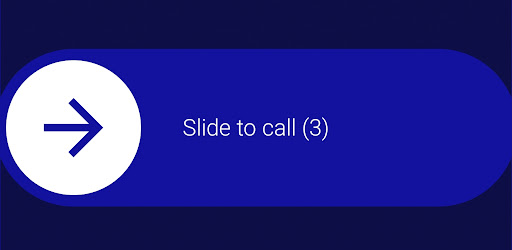
- Choose between a slider or buttons to confirm calls
- Adjust the slider direction to your preference
- Automatically disable confirmation in specific situations:
- When an interactive response isn't possible
- When connected to Bluetooth
- When using Android Auto
- When the screen is locked
To ensure seamless functionality, the app requires the following permissions:
- Default Call Redirection App: Allows the app to manage outgoing call confirmations effectively.
- Display Over Other Apps: Enables the confirmation interface to appear over the call screen.
- Access Nearby Devices: Required for Bluetooth functionality. (If the Bluetooth option is grayed out, ensure this permission is granted.)
Note: Due to restrictions in Android 10 and newer versions, there is a 5-second timeout for call confirmations.
Download Call Confirmation today to take control of your outgoing calls and avoid accidental calls!