Wins 10 Simulator


Wins 10 Simulator Summary
Wins 10 Simulator is a ad-supported Android app in Simulation by LordHonor std.. Released in Dec 2020 (5 years ago). It has about 9M+ installs and 37.7K ratings with a 3.23★ (mixed) average. Based on AppGoblin estimates, it reaches roughly 405K monthly active users and generates around $10K+ monthly revenue (0% IAP / 100% ads). Store metadata: updated Dec 5, 2025.
Recent activity: 337.6K installs this week (501.4K over 4 weeks) showing exceptional growth , and 39 new ratings this week View trends →
Data tracking: SDKs and third-party integrations were last analyzed on Apr 9, 2025.
Store info: Last updated on Google Play on Dec 5, 2025 .
3.23★
Ratings: 37.7K
Screenshots


App Description
Your free virtual computer is at hand.
We have collected 80% of Wins 10 in one application for you. Well, would you like to use a virtual computer on your phone?
---> FEATURES <---
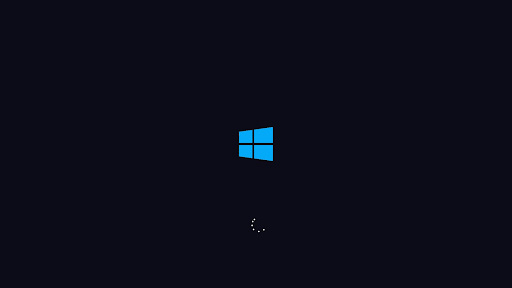
* Install Wins 10 on your first login.
* Chance to control with mouse or touch.
* Surf the internet with Google Chrome and Edge.
* Access your apps from the start menu and search bar.
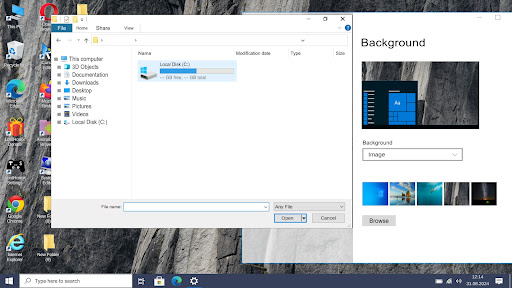
* Access your background, Wins colors and many features from settings.
* Real computer fan and Wins 10 sounds.
* Take photos from the camera app or open videos, photos and music from file explorer.
* Supports many languages.
* No annoying full screen ads.
* Use LordHonor Settings app to access Android settings.
* Desktop launch bar apps.
* Add a password to your personal computer.
* Bios menu.
* Changing the brightness and night glow.
* Turn off or restart your computer.
* Adjust the size and speed of your mouse with the LordHonor Settings application.
* Play games via internet browser (Downloadable apps will be added soon)
---> Premium <---
* Speed up your computer with LordHonor Defender app
* Install the Super Root application, then remove and replace your computer hardware and also delete system applications with this application and see how your computer will react.