Qcera MyLeave


Qcera MyLeave Summary
Qcera MyLeave is a mobile Android app in Productivity by Qcera, Inc.. Released in Dec 2017 (8 years ago). It has about 4.1K+ installs and 13 ratings with a 3.15★ (mixed) average. Based on AppGoblin estimates, it reaches roughly 254 monthly active users . Store metadata: updated Apr 15, 2026.
Recent activity: 41 installs this week (157 over 4 weeks) showing steady growth View trends →
Store info: Last updated on Google Play on Apr 15, 2026 .
3.15★
Ratings: 13
Screenshots

App Description
Qcera specializes in offering leave management software and services for FMLA.
Qcera is positioned as the boutique provider of best-in-class software and service for FMLA administration using LeaveSource, a feature-rich decision support tool for the complex issues surrounding leave of absence management.
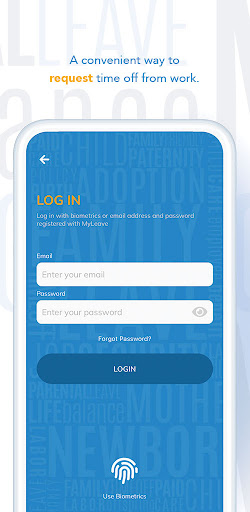
MyLeave is the employee and supervisor self-service tool that allows real-time access to leave status, ability to submit new leave requests and other functions.
View your leave information from your mobile device using MyLeave.
You can view your leave status, submit leave requests, report intermittent time, upload documents and more.
PLEASE NOTE: MYLEAVE MOBILE APP IS NOT FOR GENERAL USE. It is available only to employees for employers who have signed up for the LeaveSource service and only those employers that have opted to implement MyLeave. Use of MyLeave requires a one-time registration process. Information such as employee ID, work email address, date of birth and last 4 digits of SSN are used to verify your identity against the data provided by employers. This data is used once only during the registration process and is not stored on the mobile device.
VIEW YOUR LEAVE INFORMATION
• See your basic leave information and status
• See your intermittent time
PERFORM THE FOLLOWING ACTIVITIES*
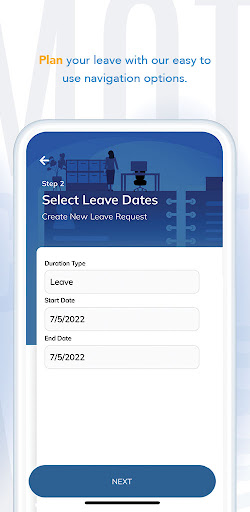
• Submit new leave requests
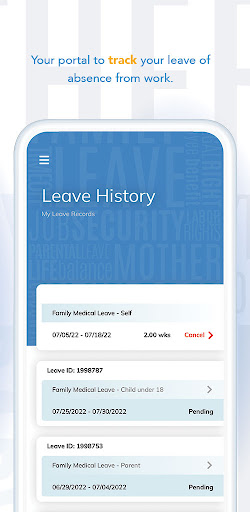
• View existing leave history
• Report intermittent time taken
• Receive and view secure correspondence
• Upload leave-related documents
Notes on Permissions:
• No special permissions required.
Disclosure:
*Available activities is dependent on employer setup. Not all activities may be available.