Photo Sketch Maker


Photo Sketch Maker Summary
Photo Sketch Maker is a ad-supported, with in-app purchases Android app in Photo And Video by Aero Tools. Released in Mar 2017 (9 years ago). It has about 10.3M+ installs and 108.6K ratings with a 4.28★ (good) average. Based on AppGoblin estimates, it reaches roughly 60.9K monthly active users and generates around $50K+ monthly revenue (71% IAP / 29% ads). Store metadata: updated Oct 26, 2025.
Recent activity: 6.2K installs this week (549.1K over 4 weeks) showing exceptional growth , and -1 new ratings this week View trends →
Data tracking: SDKs and third-party integrations were last analyzed on Feb 16, 2025.
Store info: Last updated on Google Play on Oct 26, 2025 .
Photo Sketch Maker was last scanned for SDKs 2025-02-16. Below is the overview of third party companies detected in the app. The full list of raw SDKs, app permissions and unknown SDKs is available here.
 Firebase
 Google
 Facebook
 AdMob
AdMob4.28★
Ratings: 108.6K
Screenshots
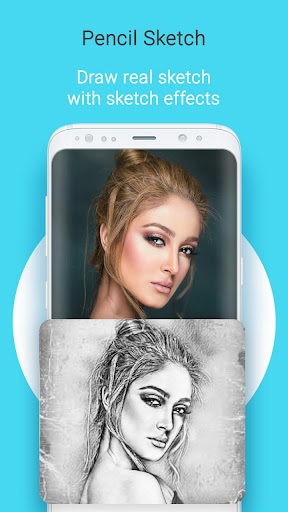
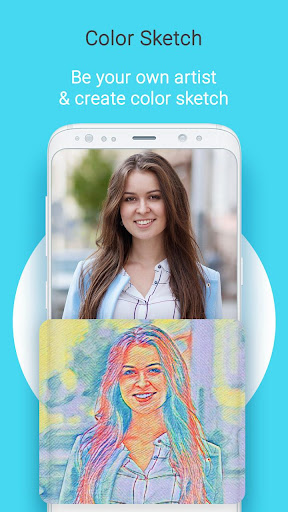
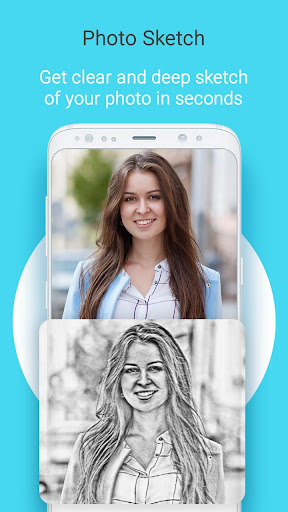
App Description
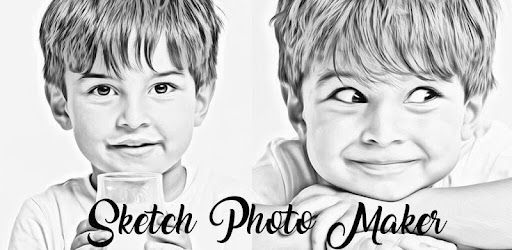
Convert your photos into pencil sketches very easily
Sketch Photo Maker is an app that convert your photo into a sketch which looks amazing.
Just Select your pic from gallery or capture with camera then convert it into a amazing looking sketch. You can draw sketch of your png or jpg or other format photos easily by using This " Sketch Photo maker " application. Create Pencil Sketch, color pencil Sketch or Painting of Your Photo Like an Artist. PNG , JPG, JPEG or recommended. There are many sketch and drawing styles that you can apply to your photo and adjust photo's color. Pencil Sketch Filter is the
best in this app.
Features of Sketch Photo Maker
★ Pencil Sketch Filter.
★ Water color sketch.
★ Hard pencil sketch.
★ Color pencil sketch.
★ Smooth Drawing Effects.
★ Crop Photos.
★ Choose your favorite pencil color for drawing.
How to Use Sketch Photo Maker:
--> Select photo from Gallery or Capture a latest photo with Camera.
--> Crop photo if required.
--> Apply suitable sketch effect.
--> Apply favorite pencil color for drawing.
--> Save Photo in Gallery or share with friends.
Contact Us for suggestions: aerophototools@gmail.com