LoneColor (Zero Interface App)


LoneColor (Zero Interface App) Summary
LoneColor (Zero Interface App) is a mobile Android app in Personalization by Tecdrop. Released in Nov 2014 (11 years ago). It has about 2.8K+ installs and 37 ratings with a 5.00★ (excellent) average. Based on AppGoblin estimates, it reaches roughly 24 monthly active users . Store metadata: updated Jan 11, 2026.
Recent activity: 3.00 installs this week (7.00 over 4 weeks) showing steady growth View trends →
Store info: Last updated on Google Play on Jan 11, 2026 .
5★
Ratings: 37
Screenshots

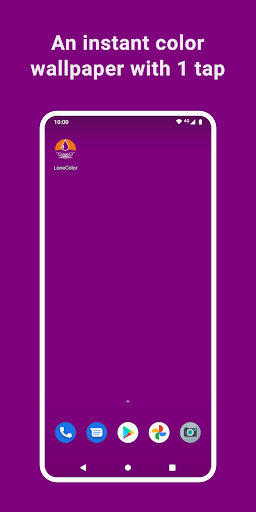
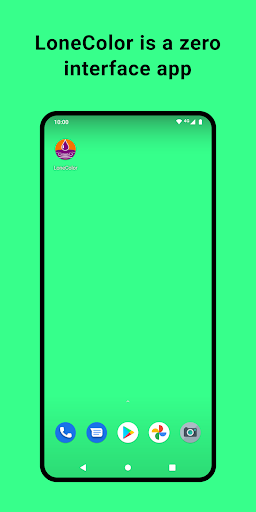
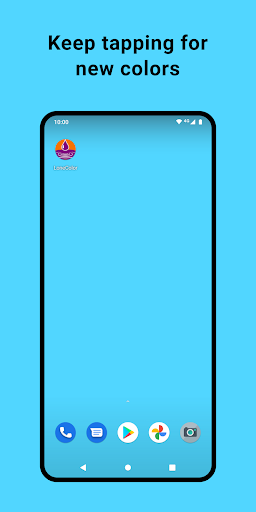
App Description
Set an instant beautiful color wallpaper with one tap, and a zero interface app!
Tap the LoneColor icon to instantly set a beautiful color as your cool, modern and elegant wallpaper. LoneColor brings an infinite palette of tints to your smartphone or tablet.
"One of the most simplistic and cleverly designed apps we've seen in a long time." - Softpedia
LoneColor is a zero interface app: just tap its icon and instantly see the wallpaper change to a surprising random color. Or copy one of the millions of color codes from a color loving community on the Internet, or from any other app, and tap LoneColor to see it instantly fill your screen. (Try #D31996, FF9900, or red.)
Color wallpapers may be a welcome and relaxing change from the traditional photo wallpapers. LoneColor wallpapers also free up valuable memory, consume less battery, and make your device run faster.
If the random color wallpaper is not to your taste, and because LoneColor is so "instant" and easy to use, you can keep tapping its icon until you are satisfied with the result. And you can refresh your color wallpaper as often as you like.
As a zero interface app (without any texts, buttons or settings), LoneColor gives you feedback using the... Clipboard. Just go and paste anywhere to get the color code of the random wallpaper, or any (unlikely) error messages.
Free and Open Source
LoneColor is completely free, without ads or Internet permissions. It is also open source! You can check out the source code at:
https://github.com/tecdrop/LoneColor-Android
Support
If you need help, or have any feedback, questions, or problems to report, we'd love to hear from you! Please email us at:
contact@tecdrop.com
or visit:
http://www.tecdrop.com/contact/