Theme for Samsung Galaxy A20

Theme for Samsung Galaxy A20 Summary
Theme for Samsung Galaxy A20 is a ad-supported Android app in Personalization by Apppills. Released in Jan 2020 (6 years ago). It has about 170.8K+ installs and 464 ratings with a 3.51★ (average) average. Based on AppGoblin estimates, it reaches roughly 281 monthly active users and generates around $<10K monthly revenue (0% IAP / 100% ads). Store metadata: updated Apr 14, 2025.
Recent activity: 112 installs this week (720 over 4 weeks) showing above average growth View trends →
Store info: Last updated on Google Play on Apr 14, 2025 .
3.51★
Ratings: 464
Screenshots

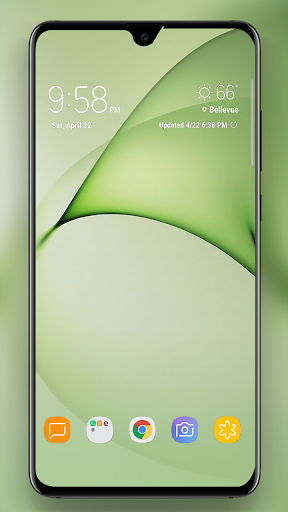
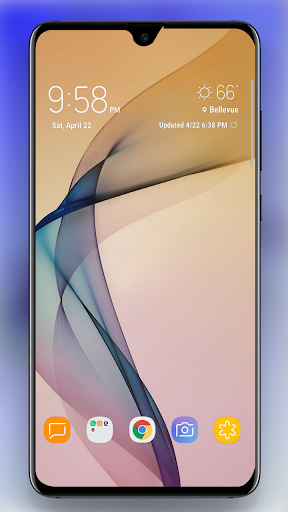
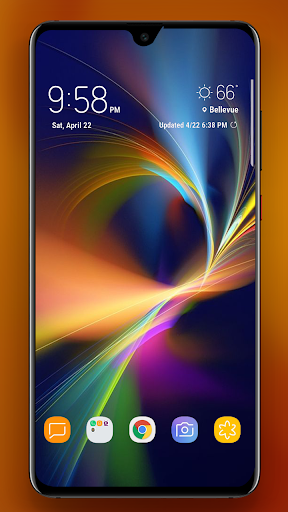
App Description
Theme for Samsung Galaxy A20 contains latest theme launcher & wallpapers!
Everyone wants to have a different looks to his/her phone, that is completely personalized to his taste and liking, your friends will be amazed at the looks of your phone with this simple yet beautiful theme for Galaxy A30, this theme for Samsung Galaxy A20, A10, A50, A30, A70, A80 come with beautiful wallpapers and custom icons. these icons are made with dedication and spent a lot of time on, all this hard work of the developers and yet this theme is for free, AMAZING.
Download it for free and get the stock wallpapers of the galaxy a20 and custom icons. the wallpapers works with stock UI while to apply the icons you need to have a custom launcher, and this theme for samsung galaxy a30 support almost all the launchers available on the play store.
Some major launchers supported straight from the theme for samsung galaxy a30 are listed here.
ADW Launcher
ADW1 Launcher
ADW2 Launcher
ADW EX Launcher
google now Launcher
aviate launcher
lucid Launcher
line Launcher
Mini Launcher
zero Launcher
tsf Launcher
Launcher smart
smart pro Launcher
solo Launcher
Next Launcher
Action Launcher
Nova Launcher
Holo Launcher
holo HD Launcher
Go Launcher
KK Launcher
Apex Launcher
How to use the App:
1. Download and Install the App from Play Store.
2. Run the App
3. Select a category (e.g, Apply theme, Apply Wallpaper. etc.)
4. Select the wallpaper of your choice and click apply wallpaper
5. Done.