Theme for Vivo V17


Theme for Vivo V17 Summary
Theme for Vivo V17 is a ad-supported Android app in Personalization by Apppills. Released in Dec 2019 (6 years ago). It has about 2.2K+ installs and 10 ratings . Based on AppGoblin estimates, it reaches roughly 32 monthly active users and generates around $<10K monthly revenue (0% IAP / 100% ads). Store metadata: updated Jan 2, 2025.
Recent activity: 12 installs this week (54 over 4 weeks) showing steady growth View trends →
Store info: Last updated on Google Play on Jan 2, 2025 .
0★
Ratings: 10
Screenshots

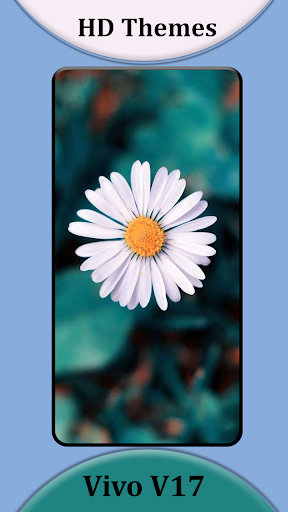
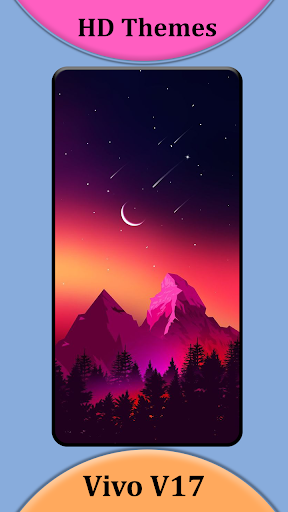
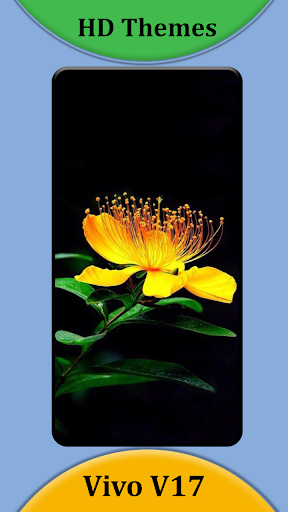
App Description
Theme for Vivo v17 | launcher for vivo v17 with wallpaper for vivo v17.
This Theme for Vivo V17 | launcher for vivo v17 is a resemblance to the UI of the phone made by Vivo, you will get the stock/original wallpapers of the Vivo V17 phone. this theme is supported by almost 99% of the android smartphones available in the market today. the wallpapers are FHD+ resolution, which will look good on almost any smartphone, and these wallpapers will make even a dull display sharper and make it look good, the theme can be applied on any launcher, while the wallpapers can be applied to the stock launcher of every android phone, this theme was created with a lot of efforts by the developers and it has been thought of almost every aspect to be made perfect. and support was added to the theme for almost every launcher that is available on the play store, i will mention only the most famous ones here below.
Some major launchers that support the Theme for Vivo V17 Neo.
⦁ Nova Launcher for vivo v17.
⦁ ADW Launcher for v17.
⦁ TSF Launcher for vivo 17 pro.
⦁ Go Launcher for v17 pro
⦁ Apex Launcher for vivo v17.
⦁ Action Launcher for v17.
⦁ ADW1 Launcher for vivo v17 pro.
⦁ Aviate launcher for v17 pro.
⦁ Lucid Launcher
⦁ Line Launcher
⦁ Mini Launcher
⦁ Zero Launcher
⦁ Holo Launcher
⦁ Holo HD Launcher
⦁ KK Launcher
⦁ Launcher Smart
⦁ Smart Pro Launcher
⦁ Solo Launcher
⦁ Next Launcher
How to use?
1). Install this Theme.
2). Choose your favorite Launchers to download via clicking Apply Theme.
3). Apply the Launcher.
4). You can also set your favorite wallpapers from the list via clicking Apply Wallpaper.
Please don't forget to rate our App and kindly give your precious reviews about our theme and wallpapers.