Proximity Sensor Screen On Off


Proximity Sensor Screen On Off Summary
Proximity Sensor Screen On Off is a ad-supported Android app in Tools by Argon Dev. Released in Jan 2019 (7 years ago). It has about 1.8M+ installs and 3.2K ratings with a 3.31★ (mixed) average. Based on AppGoblin estimates, it reaches roughly 30.7K monthly active users and generates around $<10K monthly revenue (0% IAP / 100% ads). Store metadata: updated May 1, 2026.
Store info: Last updated on Google Play on May 1, 2026 .
3.31★
Ratings: 3.2K
Screenshots


App Description
Turn the display on or off using the proximity sensor
TUTORIALS
https://youtube.com/playlist?list=PLUskUU-NvGqh9VAfl7NtArAaJsa6-ZRme
TROUBLESHOOTING
https://julietapp.blogspot.com/p/troubleshooting-general.html
TEST THIS APP BEFORE ENABLING THE SERVICE
It is strongly recommended that you test before using this app.
Just click on the "TEST" button to start a new test.
If the screen turns off automatically during the test it means that the sensor is not working properly.
In this case I suggest you uninstall this app.
IMPORTANT: Do not cover the proximity sensor during the test.
NOTE: The test lasts 5 seconds.
HOW TO UNINSTALL
https://www.youtube.com/watch?v=WTXDJexF1Xk
Device administration must be disabled before uninstalling.
Just click on the button at the top and select the "Remove active admin" option.
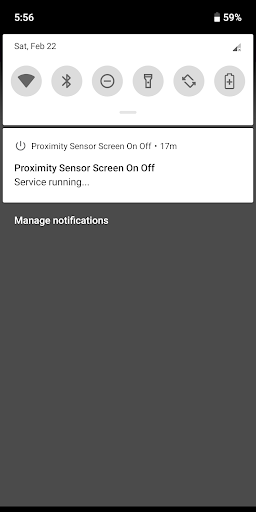
This app allows you to turn the display on or off using the proximity sensor.
Just cover the proximity sensor to turn the display on or off.
NOTE: The proximity sensor usually sits up near the top speaker.
FEATURES AND BENEFITS
• Persistent service: Background service
Autostart on boot and after update
• No root
• Easy to use
OPTIONS
• Screen Off
• Screen Lock
• Screen On
NOTE
This service does not interfere with the proximity sensor during a call
DISCLAIMER
Do not use this app if the sensor is faulty.
I do not take any responsibility for any problems arising from the use of this app.