Uninstall and Clean

Uninstall and Clean Summary
Uninstall and Clean is a ad-supported Android app in Tools by AT Software Developers. Released in May 2020 (6 years ago). It has about 4K+ installs and 33 ratings with a 3.76★ (average) average. Based on AppGoblin estimates, it reaches roughly 188 monthly active users and generates around $<10K monthly revenue (0% IAP / 100% ads). Store metadata: updated Oct 7, 2025.
Recent activity: 17 installs this week (63 over 4 weeks) showing steady growth View trends →
Store info: Last updated on Google Play on Oct 7, 2025 .
3.76★
Ratings: 33
Screenshots


App Description
Easy App Uninstall and Clean trash data
Free Uninstall app for android and clean trash data of app uninstalled
■ Feature
-----------------------------
• App remove
• Clean trash data of app uninstalled
• Batch uninstall
• Easy uninstall by one click
• List all installed apps (include system apps is optional)
• Show app name, version, package name, size, number of permissions dangerous
• Search app by name
• Sort apps by : app name, install time, size, permissions dangerous
• Quick action : open, launch, list of permission, detail
• Launch app
• List permissions of app
• Search in Google Market
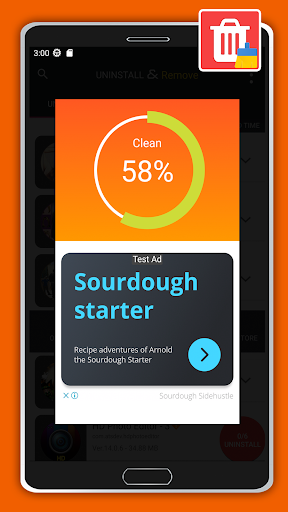
"Uninstall and Clean" is a tool to uninstall apps for android phones. It is quite easy to use, you can select multiple apps that you want to uninstall, and click "Uninstall Selected Apps" button to uninstall them.
"Uninstall and Clean" also supports app search & sort. Type keyword in the textbox on the top to search the app that you want to uninstall. Click "Menu"->"Sort" to sort the apps in many sort types.
Long press specified app, a context menu will pop up and provide more options. You can view app details by clicking "Application Details". You can share apps by clicking "Share", and you can search the app in the Google market by clicking "Go to Google Play".
"Uninstall and Clean" cannot uninstall pre-loaded or pre-installed apps in the system because it is limited by the system mechanism.