Caldwell Ballistic Chronograph


Caldwell Ballistic Chronograph Summary
Caldwell Ballistic Chronograph is a mobile Android app in Sports by AOB Products Company. Released in Mar 2014 (12 years ago). It has about 149.5K+ installs and 947 ratings with a 2.12★ (poor) average. Based on AppGoblin estimates, it reaches roughly 13.1K monthly active users . Store metadata: updated Sep 10, 2024.
Recent activity: 115 installs this week (5K over 4 weeks) showing exceptional growth View trends →
Store info: Last updated on Google Play on Sep 10, 2024 .
2.12★
Ratings: 947
Screenshots


App Description
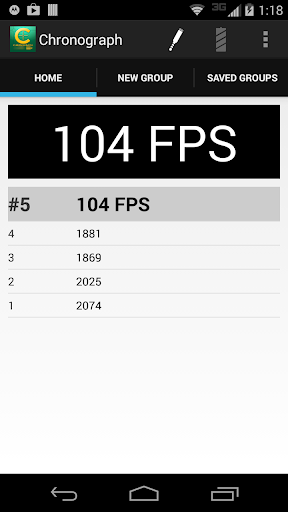
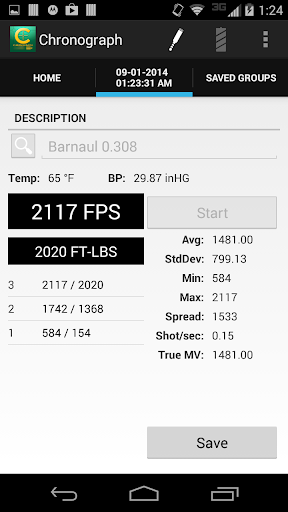
Ballistic Chronograph app for the Caldwell line of Ballistic Chronographs.
The Ballistic Chronograph app is for use with the Caldwell line of Ballistic Chronographs supporting a 3.5mm (TRRS) line-out serial port.
For best performance - make sure your device is up to date with the latest software updates provided by your manufacturer and/or carrier.
If you are unable to connect your Android device to the chronometer follow these instructions:
With the audio cable disconnected at both ends…
1. Connect the audio cable to the Android device
2. Connect the audio cable to the Chronometer
Chrono USB Support (v. 1.24+)
NOTE: Not all devices support USB. To test if your device has USB support - download and run USB Host Diagnostics by Chainfire from Google Play.
A USB 2.0 A-Male to B-Male Cable + a USB On-The-Go Connector is required. These cables can be purchased through Amazon.com, Radio Shack, and other retailers.
When prompted to Allow the app Chronograph to access the USB device - Select OK.
If you do not see a prompt - check your connection and try again.
If you are unable to connect the device - Please ensure your device has USB support.