Digital Signature & Sign PDFs


Digital Signature & Sign PDFs Summary
Digital Signature & Sign PDFs is a ad-supported Android app in Productivity by BE OKE Media. Released in Jul 2022 (3 years ago). It has about 148.4K+ installs and 9.4K ratings . Based on AppGoblin estimates, it reaches roughly 10.2K monthly active users and generates around $<10K monthly revenue (0% IAP / 100% ads). Store metadata: updated Oct 2, 2025.
Recent activity: 4.1K installs this week (5.8K over 4 weeks) showing exceptional growth , and 18 new ratings this week View trends →
Store info: Last updated on Google Play on Oct 2, 2025 .
0★
Ratings: 9.4K
Screenshots

App Description
Create digital signatures in JPG and PNG formats & embed them into PDF documents
Create and start your digital signature paperlessly. Complete your work faster and easier with a digital signature.
In the digital age, or the 4.0 era, knowing how to create a digital signature is crucial. This is especially true when completing documents digitally. The pandemic has changed living and working patterns, necessitating remote work.
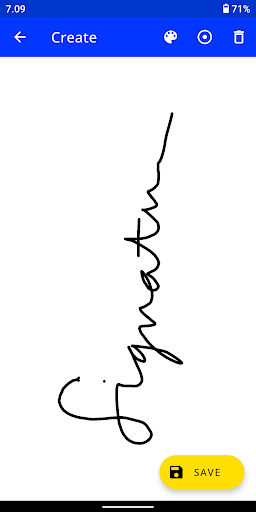
Creating a digital signature using this generator is quite easy, as users simply need to follow the instructions provided in the application. Depending on the generator, users can create their signature directly in the provided field using a mouse or trackpad. In some other applications, users simply type their name and the application will convert it into a signature. The signature can be saved for later use.
Digital signature application features:
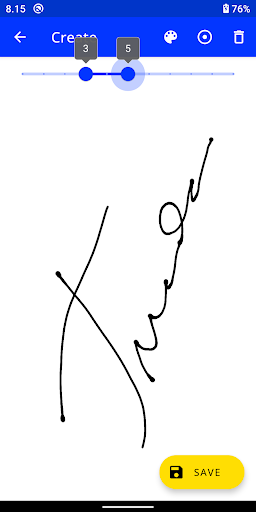
1. Choice of pen thickness.
2. Choice of pen color.
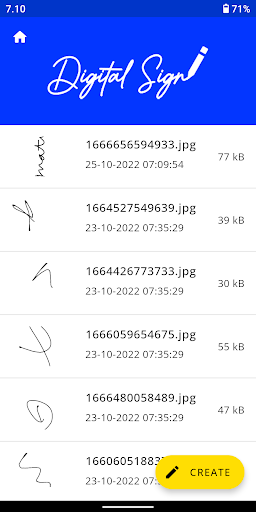
3. Manage signatures within one application.
4. Create signatures in JPG (white background) or PNG (transparent background) format.