Clonapp Messenger – Web Chat


Clonapp Messenger – Web Chat Summary
Clonapp Messenger – Web Chat is a ad-supported, with in-app purchases Android app in Communication by BlueSoft Digital. Released in Oct 2018 (7 years ago). It has about 20.3M+ installs and 115.3K ratings with a 3.80★ (average) average. Based on AppGoblin estimates, it reaches roughly 379.1K monthly active users and generates around $10K+ monthly revenue (35% IAP / 65% ads). Store metadata: updated May 20, 2026, version 116.
Recent activity: 20K installs this week (81.1K over 4 weeks) showing steady growth , and 8.00 new ratings this week View trends →
Data tracking: SDKs and third-party integrations were last analyzed on Jun 1, 2026. The app's network data flows (API traffic to/from the app and its SDKs) were last crawled on Jun 9, 2025.
Store info: Last updated on Google Play on May 20, 2026 (version 116).
SDKs, Trackers & Permissions
Clonapp Messenger – Web Chat was last scanned for SDKs 2026-06-01. Below is the overview of third party companies detected in the app. The full list of raw SDKs, app permissions and unknown SDKs is available here.
AppGoblin saw Clonapp Messenger – Web Chat uses 4 Ad Networks
 Unity
Unity AdColony
 Google
 Facebook
AppGoblin saw Clonapp Messenger – Web Chat uses 1 Analytics: Product
 Firebase
AppGoblin saw Clonapp Messenger – Web Chat uses 9 Development Tools
 ReactiveX
 JetBrains
AppGoblin saw Clonapp Messenger – Web Chat uses 1 Mediation
 AdMob
AdMobApp Details
App Store
Ads & App-Ads.txt
AppGoblin SDK Scans
3.8★
Ratings: 115.3K
Screenshots
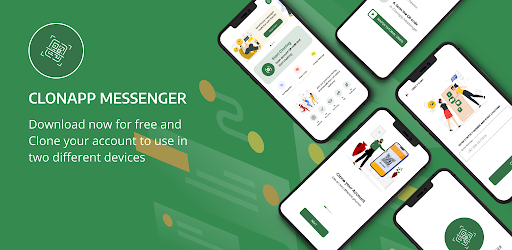

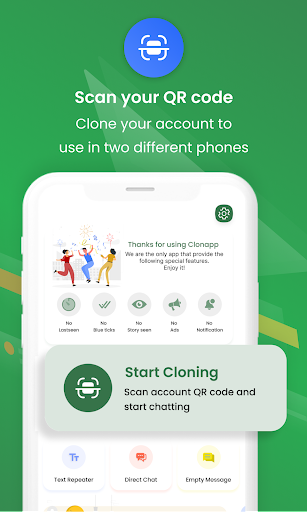
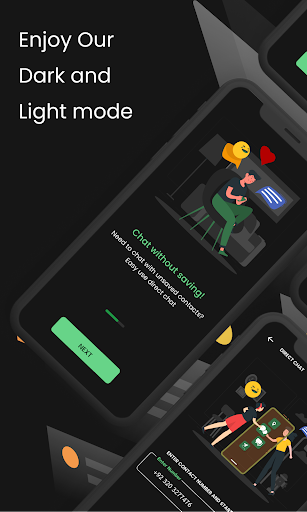
App Description
Use one chat account on multiple devices via secure web scan
Clonapp Messenger – Web Chat Companion for Multiple Devices
Clonapp Messenger lets you securely access your chat account on another device using a web connection and QR scan.
Use your chat on a second phone or tablet without logging out of your main device. Simple, fast, and easy to use.
Why choose Clonapp Messenger?
• Access your chat account on multiple devices
• Secure QR code scanning
• Real-time message sync via web session
• Start chats with unsaved numbers
• View and download media from web chat
• Lightweight, fast, and battery-friendly
How it works
1. Open Clonapp Messenger
2. Scan the QR code from your chat app’s linked devices section
3. Start using web chat instantly
Extra Features
• Media viewer & downloader
• Easy-to-use interface
• Optional PRO version removes ads
Important Notice
Clonapp Messenger is a third-party utility app.
It is NOT affiliated with, endorsed by, or connected to any messaging service or brand.
All trademarks belong to their respective owners.