Screen Gestures - Navigation


Screen Gestures - Navigation Summary
Screen Gestures - Navigation is a ad-supported Android app in Tools by Born Seeds. Released in Aug 2019 (6 years ago). It has about 295.4K+ installs and 554 ratings with a 3.53★ (average) average. Based on AppGoblin estimates, it reaches roughly 3.6K monthly active users and generates around $<10K monthly revenue (0% IAP / 100% ads). Store metadata: updated Jan 9, 2024.
Recent activity: 247 installs this week (745 over 4 weeks) showing steady growth View trends →
Store info: Last updated on Google Play on Jan 9, 2024 .
3.53★
Ratings: 554
Screenshots

App Description
Smart gesture touch through Full-Screen Gestures - Navigation Gestures app
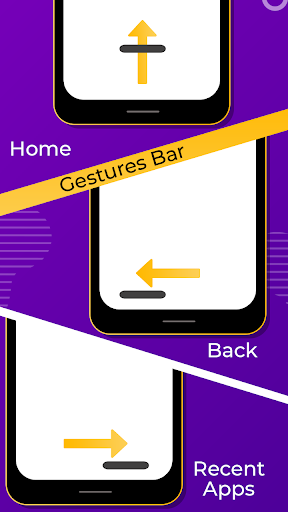
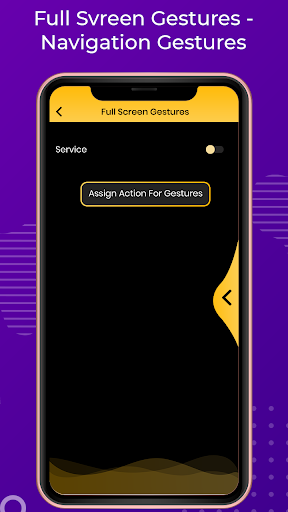
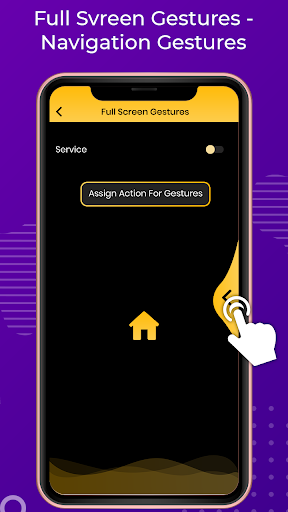
Change your navigation bar with smart gesture touch through this Full-Screen Gestures - Navigation Gestures application. It is a simple and smart way to change your navigation bar with awesome screen gesture. An application which is best to easily convert your simple mobile navigation gestures into smart touch, Just swipe your finger into navigation area and get instant mobile touch with your gesture choice.
Full-Screen Gestures - Navigation Gestures with you don't have to buy a new phone just install the application and gett swipe gesture controls easily in your android device. Navigation Gestures brings swipe gestures to any Android device! Change you're the same as old navigation bar buttons and get gesture controls with Smart Navigation Gestures easily with your way.
Full Screen Gestures - Navigation Gestures with get some smart gesture touch like...
Swipe left
Swipe left and hold
Swipe right
Swipe right and hold
Change the following actions on this smart gesture touch
_Home
_Back
_Recent apps
_Power Dialog
_Notifications
_Quick Settings
_Split Screen
_Turn Off-Screen
_Launch App
_Volume up
_Volume down
FEATURES
_Make easy touch
_Use smart gesture without any smart gesture android device
_Many more action keys
_Change your gesture touch to swipe left, right, hold and swipe or many more
_Easy to use
This app uses Accessibility services.\n\nAccessibility services are used to start several actions (start multi-task, pull down notification panel, pull down quick settings, open power menu, simulate back).
These actions can help people that need to use their phone with only one hand to start actions that are not easy to do with only one hand (for example pull down notifications).
Accessibility services are only used to these actions.