Spreadsheet data entry


Spreadsheet data entry Summary
Spreadsheet data entry is a with in-app purchases Android app in Tools by BP TEKH. Released in Jan 2021 (5 years ago). It has about 48.5K+ installs and 118 ratings with a 3.50★ (average) average. Based on AppGoblin estimates, it reaches roughly 2.2K monthly active users and generates around $<10K monthly revenue (100% IAP / 0% ads). Store metadata: updated Apr 9, 2026.
Recent activity: 76 installs this week (327 over 4 weeks) showing below average growth View trends →
Store info: Last updated on Google Play on Apr 9, 2026 .
3.5★
Ratings: 118
Screenshots



App Description
Put the data to your Google Sheets by smartphone on the run
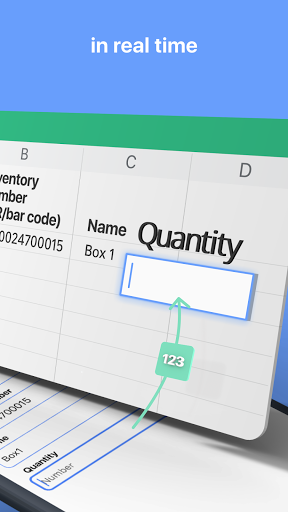
Scan data from your phone to your Google sheet quickly.
After that you can make any future manipulation with data on your Google sheet.
Perfectly fit for inventory, track attendance, finance and tax purpose, collecting QR codes to spreadsheet and beyond.
Save next data types:
- QR and Bar codes (scans code and save data to the spreadsheet);
- Geolocation (allow to save your current location or select it on map);
- Text;
- Number;
- Date / Time / Date and time;
- Select value from predefined list;
- Yes / No selector.
How it works
1. Select function;
2. Put data (scan codes, entering text etc);
3. Tap send;
4. Data appear in spreadsheet on your Google Drive.
You can repeat it as much as you want.
How to connect your Google sheet to the app
1. Connect your Google account to the app;
2. Set spreadsheet URL in function settings.
What is Function
Function has target spreadsheet URL and list of input fields. Function can be created manually or from predefined functions library.
Create function manually
1. Create spreadsheet with required columns in your Google Drive;
2. Create function in the app:
- Copy spreadsheet URL and name of sheet;
- Set input fields:
- name;
- data type;
- column.
- Save.
Create function from library
1. Select function from the library;
2. Tap “Add to my functions”
- Function will be added on My Functions screen;
- Spreadsheet will be copied to your Google Drive.