Canara CanDigital


Canara CanDigital Summary
Canara CanDigital is a free Android app in Finance by CANARA BANK. Released in Sep 2023 (3 years ago). It has about 623K+ installs and 588 ratings with a 3.57★ (average) average. Based on AppGoblin estimates, it reaches roughly 54K monthly active users . Store last updated Apr 15, 2026
Recent activity: 3K installs this week (9.7K over 4 weeks) showing below average growth , and 3.00 new ratings this week View trends →
Canara CanDigital SDKs Summary
App not yet scanned for SDKs.
3.57★
Ratings: 588
Screenshots



App Description
A next generation secure digital banking app for accessing Internet Banking.
CanDigital is a next generation secure digital banking app for accessing Canara Bank Internet Banking. It provides the convenience, security and uniform experience for users. Also, with the increasing usage of various devices for banking needs there is an equivalent increase in malicious threats that put your confidential information, identities at the risk of being stolen. In order to further strengthen the security measures to curb cyber crime incidents and to enhance your banking experience Canara Bank has launched CanDigital.
All Corporate user are mandatorily enrolled for Can Digital Application for safety and security purposes.
Enrollment for CanDigital is not mandatory for retail customers. However Retail customers can opt for CanDigital according to their requirement by contacting their home branch.
Please follow these simple registration steps to register for CanDigital.
- Download CanDigital App,
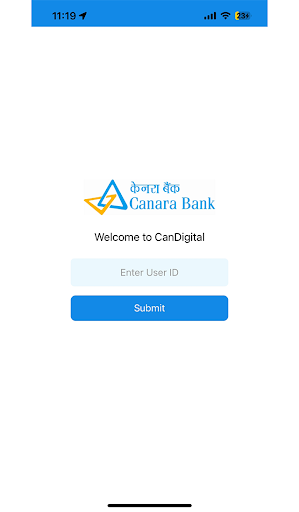
- Enter your Internet Banking User ID and submit.
- An Access code will be sent to user’s registered mobile number.
- User can choose to Enable Face ID for secure and quick Access to their Account without the need for password.
- Set your Secret question and Answer.
- Set your 4 to 6 digit pin.
- Click on Net banking.
- User ID will prepopulate in the Net Banking login page user just have to insert their Password and captcha and login, to use Internet Banking.