Japji Sahib


Japji Sahib Summary
Japji Sahib is a ad-supported Android app in Books And Reference by C.B.International. Released in Apr 2015 (11 years ago). It has about 78.9K+ installs and 265 ratings with a 4.88★ (excellent) average. Based on AppGoblin estimates, it reaches roughly 2K monthly active users and generates around $<10K monthly revenue (0% IAP / 100% ads). Store metadata: updated Jul 13, 2024.
Recent activity: 70 installs this week (313 over 4 weeks) showing steady growth View trends →
Store info: Last updated on Google Play on Jul 13, 2024 .
4.88★
Ratings: 265
Screenshots

App Description
Japji Sahib with Audio in Hindi (Devnaagri), Punjabi (Gurmukhi) and English
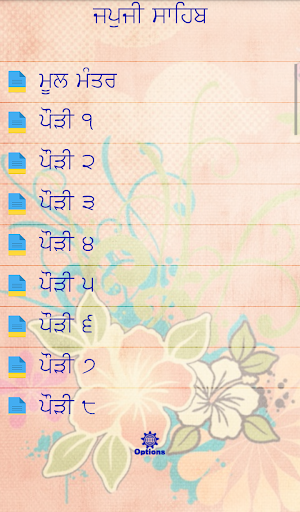
Japji Sahib is a universal sacred hymn about God composed by Guru Nanak Dev Ji, the founder of the Sikh faith. The Japji Sahib consists of the Mool Mantra as the beginning followed by 38 hymns and a final Salok at the end of this composition. The Japji Sahib appears at the very beginning of Sri Guru Granth Sahib Ji, the Guru as well as Holy Book of the Sikhs. It is regarded amongst the most important Bani or 'set of verses' by the Sikhs and is recited every morning by all practising this faith. The word ‘Jap’ means to ‘recite’ or ‘to ‘chant’. ‘Ji’ is a word that is used to show respect as is the word ‘Sahib’. 'Ji' can also be used to refer to one's own soul.
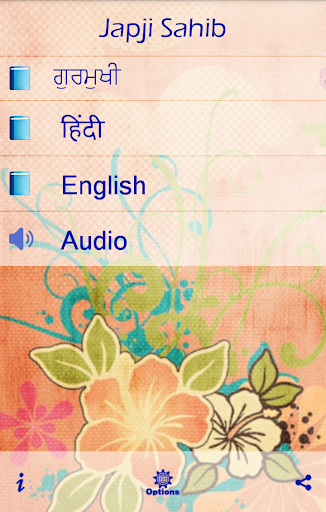
This app is a multilingual app with Japji Sahib in Hindi, Punjabi (Gurmukhi) and English Script along with Audio. English Script also contains translation.
******************************
LISTEN TO PATH
******************************
Now this app also contains Audio. Go to the Audio section and listen to Japji Sahib along with Reading in your language.
Choose language from the Audio page for the reading area. (See screenshot for details)
******************************
CHOOSE TEXT COLOUR
******************************
Now you can change the text colour of Reading page as per your requirement. Just go to Options Menu and choose "Change Text Colour". You can select the font colours from a list of available colours. Just select and hit Save. The colour of Reading Page Text will change as per your choice (Applicable only in Detail Screen).
******************************
CHOOSE TEXT SIZE
******************************
You can change the text size of Reading page as per your requirement. Just go to Options Menu and choose "Change Font Size". You can select the font size from smallest to largest. Just select and hit Save. The size of Reading Page Text will change as per your choice (Applicable only in Detail Screen).
Please take out a minute to Rate and Review our app.