Video-Mp3 Extractor


Video-Mp3 Extractor Summary
Video-Mp3 Extractor is a ad-supported Android app in Video Players by CodeEdifice. Released in Nov 2016 (9 years ago). It has about 27.5K+ installs Based on AppGoblin estimates, it reaches roughly 108 monthly active users and generates around $<10K monthly revenue (0% IAP / 100% ads). Store metadata: updated Jan 6, 2026.
Recent activity: 7.00 installs this week (21 over 4 weeks) showing steady growth View trends →
Store info: Last updated on Google Play on Jan 6, 2026 .
4.64★
Ratings: 0
Screenshots



App Description
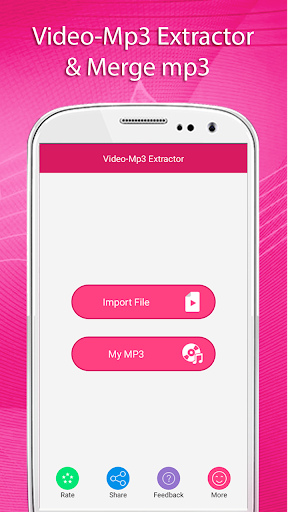
Video-Mp3, converts any video to mp3. Merge your videos mp3 into a single Mp3
Video to MP3 Converter
This application converts any video files to audio files. Using this Video-Mp3 Extractor,Video-mp3 Merge You can cut the favorite part of your Video song and save it as your Music File. With this Video-Mp3 Extractor, Video-mp3 merge you can easily merge your favorite videos mp3 into a single mp3 file.
Video-Mp3 Extractor:-
Using this application you can cut the favorite part of your Video song and save it as your Music File
Video-Mp3 Merge/ Merge Mp3:-
Using this application you can easily merge your favorite videos mp3 into a single mp3 file
Now No need to select song again and again joins your Videos mp3 into a single file.You can also save your space.
Video-Mp3 Extractor is easy to use and free app to convert any video files to mp3 file. This application is so easy to use.
Feature:
- Easily extract audio from your video files
- Cut the best part of your video song and save it as your Music File
- Select multiple videos and extract mp3 into single mp3 file
- Save as Ringtone
- Save & Delete
- You can share these audio's to social network like Facebook, Gmail etc
- Easy to use
How to USE?
- Select video from your gallery
- Select Start/End Position
- Click on “Done” Button
- Select another video(optional)
- Click on “Save” Button
- Wait for complete process
- Easily Share your Audio With your Friends