Gesture Control - Pro Key


Gesture Control - Pro Key Summary
Gesture Control - Pro Key is a mobile Android app in Tools by Conena. Released in Jan 2018 (8 years ago). It has about 16.9K+ installs and 298 ratings with a 4.38★ (good) average. Based on AppGoblin estimates, it reaches roughly 521 monthly active users . Store metadata: updated Feb 1, 2026.
Recent activity: 330 installs this week (696 over 4 weeks) showing exceptional growth View trends →
Store info: Last updated on Google Play on Feb 1, 2026 .
4.38★
Ratings: 298
Screenshots
App Description
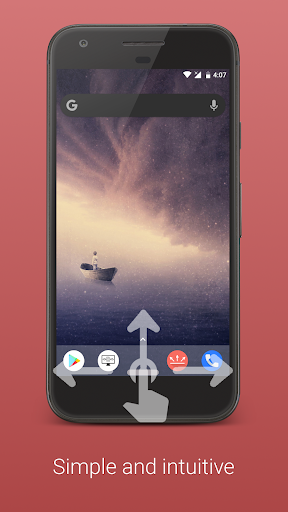
Control your phone with gestures. You will love the innovative home bar!
Get the maximum out of your android device!
There was never before, a more natural way, to control your smartphone.
This application provides additional features for the free version of Gesture Control. This is not a stand-alone app but an extension. The free version must be installed additionally.
Note that not all features are supported on every device and Android version. After installation, please check if all functions that are important to you are working properly. If it doesn't, uninstall the app within Google Play's return period and get a refund.
The following features are provided by the pro version:
▶ Adjust the horizontal orientation of the indicator
▶ Adjust the width of the indicator to fit your needs
The following gestures are provided by the pro version
▶ Double click on the indicator
▶ Long click on the indicator
▶ Click on indicator and hold
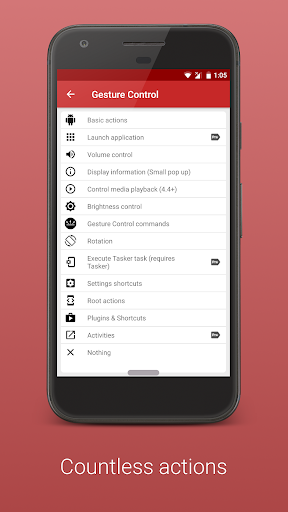
The following actions are provided by the pro version:
▶ Launch apps
▶ Volume actions (show volume control, activate silent mode, increase/reduce media volume, mute alarm, maximize alarm volume, mute and maximize ringing tone)
▶ Show information (Time, date, battery, used and available memory )
▶ Media control (pause, play/pause, next track, Previous track, stop)
▶ Brightness control (max, min, auto/max, auto/min, reduce und increase)
Media control requires at least Android 4.4 (Kitkat) and a supported music player (e.g. Phonograph, Eleven).
Thank you for supporting my work. If you have any questions, contact me (info@conena.com).