DroidCam Webcam (Classic)


DroidCam Webcam (Classic) Summary
DroidCam Webcam (Classic) is a free, ad-supported Android app in Tools by Dev47Apps. Released in Jun 2010 (16 years ago). It has about 27.9M+ installs and 131.6K ratings with a 4.39★ (good) average. Based on AppGoblin estimates, it reaches roughly 2.4M monthly active users and generates around $100K+ monthly revenue (0% IAP / 100% ads). Store last updated Jan 13, 2025
Recent activity: 19.5K installs this week (46.1K over 4 weeks) showing steady growth , and -1 new ratings this week View trends →
DroidCam Webcam (Classic) SDKs Summary
App not yet scanned for SDKs.
4.39★
Ratings: 131.6K
Screenshots



App Description
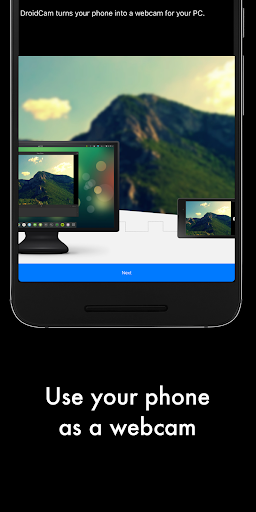
Use your phone as a webcam on your computer over WiFi or USB.
DroidCam turns your Android device into a webcam.
The app works with a PC client that connects the computer with your phone. Windows and Linux clients are available. Visit www.dev47apps.com on your computer to download, install, and get more info on usage.
Features:
- Chat using "DroidCam Webcam" on your computer, including Sound and Picture.
- Completely free with no usage limits or watermarks.
- Connect over WiFi or USB*.
- Microphone noise cancellation.
- Use other (non camera) apps with DroidCam in the background.
- Keeps working with the screen off to conserve battery.
- IP web camera MJPEG access (access camera via a browser or from another phone/tablet/etc).
If you like the app, consider getting the Pro version, DroidCamX, which has:
- No Ads.
- USB-Only mode for added privacy and security.
- Phone calls muting.
- 720p/1080p video support via HD Mode.
- 'Smooth FPS' option for more stable video.
- Pro features on the Windows client including video mirror, flip, rotate, contrast, brightness and other controls.
A bargain compared to actual webcams sold in store!
* USB connection may require additional setup