Visual Basics For Application

Visual Basics For Application Summary
Visual Basics For Application is a ad-supported Android app in Education by Professional Education App. Released in Dec 2018 (7 years ago). It has about 42.1K+ installs and 244 ratings with a 4.19★ (good) average. Based on AppGoblin estimates, it reaches roughly 485 monthly active users and generates around $<10K monthly revenue (0% IAP / 100% ads). Store metadata: updated Apr 19, 2025.
Recent activity: 55 installs this week (389 over 4 weeks) showing steady growth View trends →
Store info: Last updated on Google Play on Apr 19, 2025 .
4.19★
Ratings: 244
Screenshots

App Description
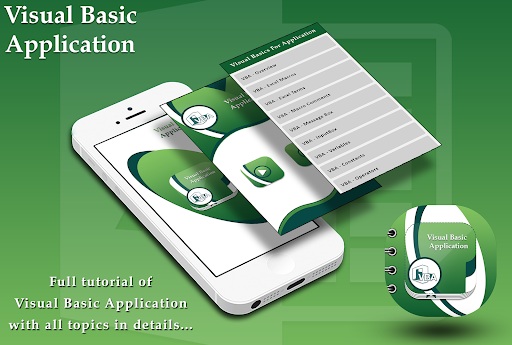
This app will help you to learn Visual Basics For Application easily with Ex.
Visual Basics For Application
Visual Basic for Applications is a programming language that is similar to Visual Basic, only it is embedded in an individual Demo application. Using VBA you can create macros or small programs that perform tasks within the demo application
This reference has been prepared for the beginners to help them understand the basics of Visual Basics For Application. This tutorial will provide enough understanding on Visual Basics For Application from where you can take yourself to a higher level of expertise.
It helps techies to build customized applications and solutions to enhance the capabilities of those applications. The advantage of this facility is that you NEED NOT have visual basic installed on our PC, however, installing Office will implicitly help in achieving the purpose.
Features of Visual Basics For Application:
✿ Introduction to visual basic
✿ The Integrated Development Environment.
✿ Variables, Data types and Modules
✿ Procedure
✿ Control Flow statements.
✿ Array in Visual Basic.
✿ Visual Basic built in functions
✿ Setting Run time and Design Time properties.
✿ Creating and using controls
✿ File Controls
✿ Multiple Document Interface (MDI)
✿ Database: using DAO, RDO and ADO
Each picture can be zoom in if you cannot clearly see it.
Thank You for your support