Game Emulator: Retro Games 90s


Game Emulator: Retro Games 90s Summary
Game Emulator: Retro Games 90s is a free, ad-supported, with in-app purchases Android app in Tools by Enable Startup. It has about 5.6K+ installs Based on AppGoblin estimates, it reaches roughly 375 monthly active users and generates around $<10K monthly revenue (39% IAP / 61% ads). Store last updated Sep 17, 2026
Recent activity: 24 installs this week (70 over 4 weeks) showing steady growth View trends →
Game Emulator: Retro Games 90s SDKs Summary
App not yet scanned for SDKs.
0★
Ratings: 0
Screenshots

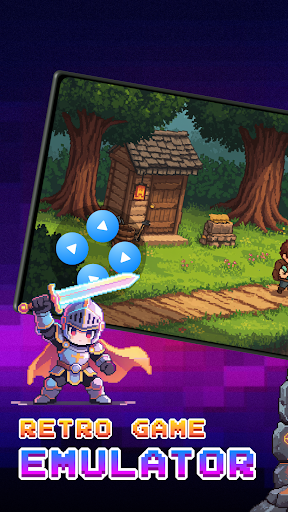


App Description
Game Emulator: Retro Games - Enjoy classic games with simple emulator controls
🎮 Game Emulator for Retro Games
Game Emulator is designed for fans of Retro Games who want a simple and modern way to play. The app lets you enjoy classic games with a smooth and user-friendly experience.
Whether you are a long-time retro gaming fan or just discovering classic titles, this app makes it easy to start playing on your device.
⚡Discover Retro Games
Explore and play your own classic-style game files on your device. This app helps you play classic-style titles, including diverse classic games.
🎮 Multiple Retro Game Platform support
This Game Emulator supports multiple classic platform formats, giving you a nostalgic gaming experience on your device.
🎨Favorite Custom Skins
Customize your Game Emulator with beautiful skins: Basic One, Ocean Night, Dreamy Red, Purple Retro
Switch skins to match your favorite Retro Games style and personalize your classic games experience.
💾AutoSave:
Automatically saves your game progress so you can continue playing from where you left off. This feature helps prevent losing progress when you exit the Game Emulator or switch apps
🕹️How to use Game Emulator - Retro Games:
- Obtain legally owned files of your favorite classic games from trusted sources.
- Your files will be stored in the "Downloads" or "File Manager" folder.
- Open Game Emulator and tap the “+” button on the home screen.
- Select your game file from storage and start playing instantly.
⚠️Important Notice
- This Retro Games app does not include any copyrighted games or ROM files.
- Users must provide their own legally obtained game files to use with this Game Emulator.
- This app is not affiliated with or endorsed by any game companies or console manufacturers.
Enjoy a nostalgic gaming experience with customizable controls and flexible settings built for everyday use. Start playing Retro Games today with this powerful Game Emulator.