Geometrics


Geometrics Summary
Geometrics is a ad-supported Android app in Entertainment by Kyle Fischer. Released in Jan 2012 (14 years ago). It has about 125.7K+ installs and 547 ratings with a 2.41★ (poor) average. Based on AppGoblin estimates, it reaches roughly 2.7K monthly active users and generates around $<10K monthly revenue (0% IAP / 100% ads). Store metadata: updated Oct 2, 2017.
Recent activity: 1.00 installs this week (720 over 4 weeks) showing exceptional growth , and -2 new ratings this week View trends →
Store info: Last updated on Google Play on Oct 2, 2017 .
2.41★
Ratings: 547
Screenshots



App Description
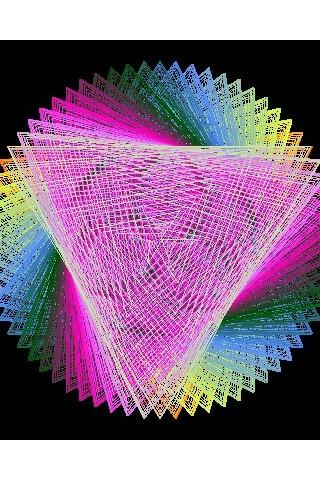
The patterns, colors this thing makes are amazing my grandson will QUIETLY watch
- With Geometrics, you are the creator, discoverer, artist, and mathematician.
- Advanced users can set the equation properties manually.
- Images can be saved to your device.
TRIGONOMETRY OVERVIEW:
A polar graph represents a math equation where the distance [r] from the center of the graph is determined by an equation. [r=1 is a circle. r=sin(angle) makes loops]
Polar Graph:
http://en.wikipedia.org/wiki/Polar_graph
Normally you start the angle from 0 and go all the way around to 360 degrees incrementing by some small amount. When you skip faster around the circle in a regular interval (say every 80 degrees), you get something interesting. A Maurer Rose http://en.wikipedia.org/wiki/Maurer_rose
Geometrics takes this maurer rose idea and puts you in control of the design:
The amount to skip, and a multiplier for the angle (to determine how many petals your maurer rose will have).
DESCRIPTION OF CONTROLS:
1. Swipe left or right - Restart the pattern changing the number of "flower petals"
2. Swiping up and down - Restart the pattern changing the "amount of skip"
3. Pressing and holding - Cycle through 3 trigonometric math functions (single sin equation, multiple sin equations, and a tan equation)