Any English Dictionary


Any English Dictionary Summary
Any English Dictionary is a ad-supported, with in-app purchases Android app in Education by MaMon Studio. Released in Nov 2017 (8 years ago). It has about 256.4K+ installs and 1.3K ratings with a 3.94★ (average) average. Based on AppGoblin estimates, it reaches roughly 18.1K monthly active users and generates around $<10K monthly revenue (28% IAP / 72% ads). Store metadata: updated Apr 9, 2025.
Recent activity: 22 installs this week (62 over 4 weeks) showing steady growth , and 4.00 new ratings this week View trends →
Store info: Last updated on Google Play on Apr 9, 2025 .
3.94★
Ratings: 1.3K
Screenshots
App Description
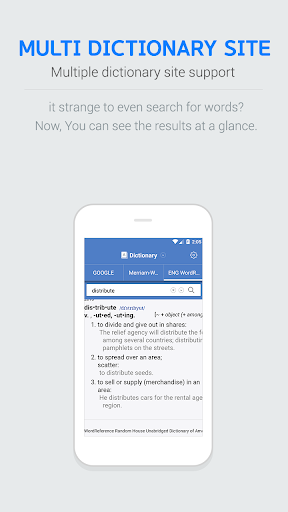
Any English Dictionary searches all English dictionaries worldwide at once.
The Any English dictionary will search all English dictionaries worldwide at once.
Find English words that you do not know quickly and easily.
Copying from photo scan (OCR) reading function to clipboard, automatic translation ~
Take advantage of all the useful features of the dictionary.
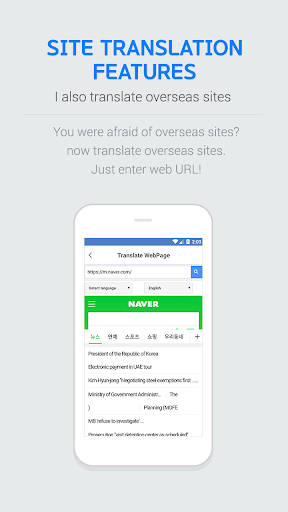
The Any English dictionary offers dictionary functions, multilingual translator, and English word workbook.
High school students, college students, and employees are all available.
■ Support dictionary
Oxford, Webster, Dictionary.com, Thesaurus.com, Google, Cambridge, Etymonline, Leaners, FreeDictionary, Urban, Reverso, WordReference, Wordnik, YourDictionary, Naver, Daum, Blue Dic, Nate, KMLE (Medicine), ...
■ Real-time translation function & notification area & input as picture
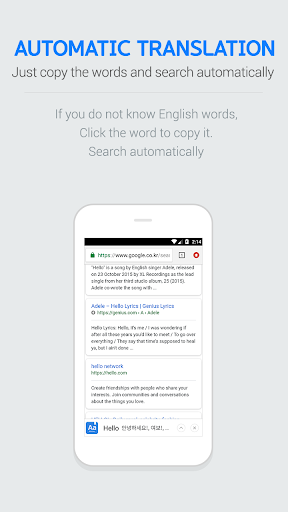
- Do you have any English words you do not know? Select the letter and copy it, and translate it in real time.
- English word is exposed in the notification area. Improve your English learning.
- Automatically type and translate the English in the book.
■ Efficient learning system
- Speed memorization If you play the game, you will be able to memorize not only the memorization of the English word but also the memorization level.
- English words with insufficient memorization are automatically classified and can be studied efficiently.
■ Slide function and sleep mode
- Try sleep mode before going to sleep.
- Automatically read the meanings of English words.
- The app will automatically stop at the specified time.