QR & Barcode scanner (PRO)


QR & Barcode scanner (PRO) Summary
QR & Barcode scanner (PRO) is a mobile Android app in Tools by H4L Soft. Released in Feb 2016 (10 years ago). It has about 149+ installs Store metadata: updated Sep 4, 2024.
Store info: Last updated on Google Play on Sep 4, 2024 .
0★
Ratings: 0
Screenshots

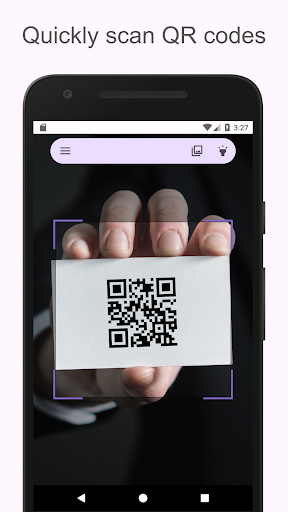
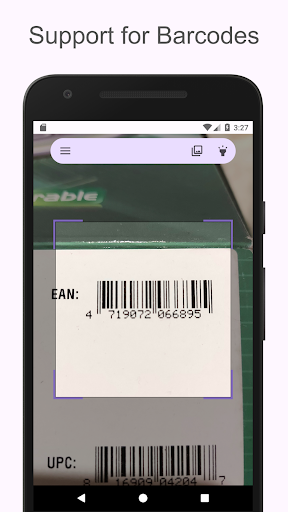
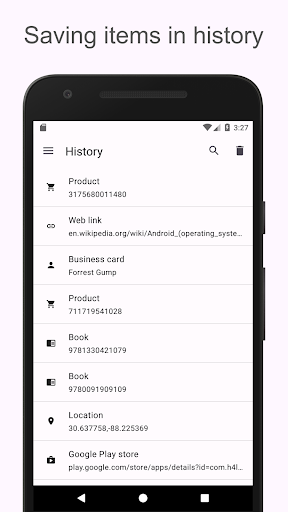
App Description
Fast and easy to use QR and Barcode scanner/reader.
ScanDroid is one of the fastest and easiest to use QR / barcode scanners, just point the camera at the QR or barcode you want to scan and the app will automatically recognize and scan it. You don't need to click any buttons, take pictures or adjust the zoom.
Main features
• Support for many different formats (QR, EAN barcode, ISBN, UPCA and more!)
• Ability to scan codes directly from pictures
• Saves scan results in history
• Lets you turn on the flash for better results in dark places
• Ability to share scans via Facebook, Twitter, SMS and other android applications
• Ability to add your own notes to scanned items
Advanced application options
• Add your own rules for opening scanned barcodes with custom search (e.g. open your favorite online store after scanning)
• Protect yourself from malicious links with Chrome Custom Cards with Google Safe Browsing technology and enjoy faster loading times.
We care about your safety
In most other QR code scanners, applications automatically retrieve some information from scanned websites, this may cause the device to be infected with malware.
In ScanDroid you have the option to choose whether you want to automatically retrieve information from scanned web pages.
Supported QR formats
• Links to websites (urls)
• Contact information - business cards (meCard, vCard)
• Calendar events (iCalendar)
• Access data for hotspots / Wi-Fi networks
• Location information (Geographic Location)
• Data for telephone connection
• Data for e-mail messages (W3C standard, MATMSG)
• Data for SMS messages
• Payments
• SPD (Short Payment Descriptor)
• Bitcoin (BIP 0021)
Supported barcodes and 2D
• Article numbers (EAN-8, EAN-13, ISBN, UPC-A, UPC-E)
• Codabar
• Code 39, Code 93 and Code 128
• Interleaved 2 of 5 (ITF)
• Aztec
• Data Matrix
• PDF417
Requirements :
In order to use ScanDroid, your device must have a built-in camera (and permission to use it).
Internet access is only needed when you want to take additional actions, such as: downloading product information, using navigation, etc.
Other permissions like "Wi-Fi access" are only needed for specific actions, e.g. if you want to connect to the Wi-Fi network you just scanned.
Free version
This application is also availabl