Incoming Call Lock Screen

Incoming Call Lock Screen Summary
Incoming Call Lock Screen is a ad-supported Android app in Tools by Somya Editor Apps. Released in Jan 2022 (4 years ago). It has about 73.1K+ installs Based on AppGoblin estimates, it reaches roughly 3.1K monthly active users and generates around $<10K monthly revenue (0% IAP / 100% ads). Store metadata: updated Apr 25, 2022.
Recent activity: 36 installs this week (150 over 4 weeks) showing steady growth View trends →
Store info: Last updated on Google Play on Apr 25, 2022 .
0★
Ratings: 0
Screenshots
App Description
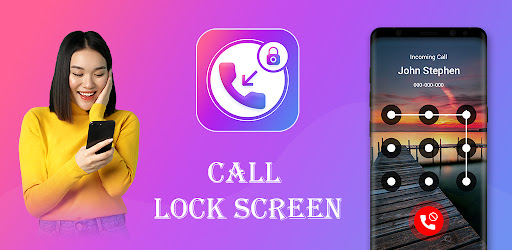
Protect your incoming call privacy & set incoming call lock on incoming calls.
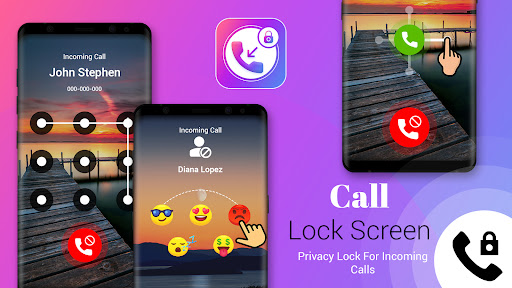
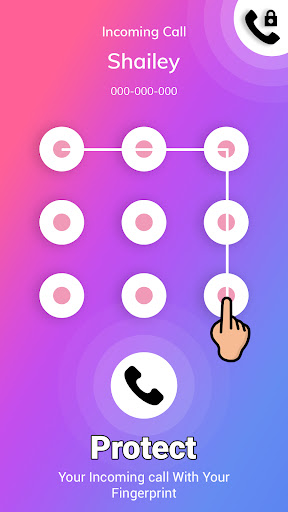
Secure Incoming Call Lock Screen is the best security app for secure locking incoming calls. This call pickup lock allows you to add a secure lock on incoming calls. The incoming call lock security password screen is popups on the incoming call screen to secure incoming call details. Secure incoming call lock privacy can protect your incoming calls by using the secure password pattern lock or passcode etc.
↦ Feature of Incoming Call Lock
⦁ Enable & Disable secure incoming call lock
⦁ Different secure incoming lock patterns
⦁ Change incoming call lock background wallpaper
⦁ Change incoming caller name which shows on the incoming call screen
↦ How to add an incoming call lock screen on incoming calls?
1. Turn on required permission for incoming calls
2. Select incoming call screen lock pattern
3. If you change the wallpaper for a secure incoming call lock screen then select form wallpaper
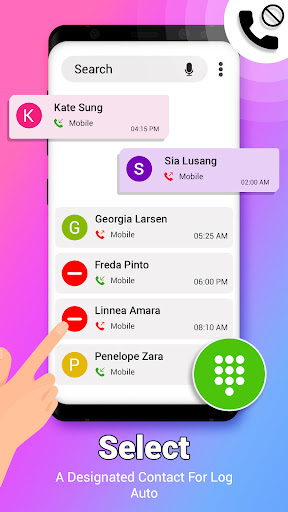
4. As per your choice, if you change the incoming caller name on the incoming call screen then select contact number and enter a name then add it
Disclaimer:
- The all required permission is for the auto-deleting call log, etc.
- Secure incoming call screen is not collecting any type of user contact number or other contact detail.