React Native Guide - Firebase


React Native Guide - Firebase Summary
React Native Guide - Firebase is a ad-supported Android app in Education by Hunte Tech. Released in Dec 2022 (3 years ago). It has about 1.1K+ installs and 13 ratings . Based on AppGoblin estimates, it reaches roughly 78 monthly active users and generates around $<10K monthly revenue (0% IAP / 100% ads). Store metadata: updated Jun 8, 2025.
Recent activity: 50 installs this week (132 over 4 weeks) showing exceptional growth View trends →
Store info: Last updated on Google Play on Jun 8, 2025 .
0★
Ratings: 13
Screenshots


App Description
let's build complete backend as a service (BaaS) app together
Hello,
■ This app provides you with complete guidance and a live demonstration of how Built with Firebase features work in react native CLI (bare workflow) in Android apps
■ Why is an expo not used?
Because in this project I use custom native code and modules, the expo is not capable to handle this.
■ Key features of this App
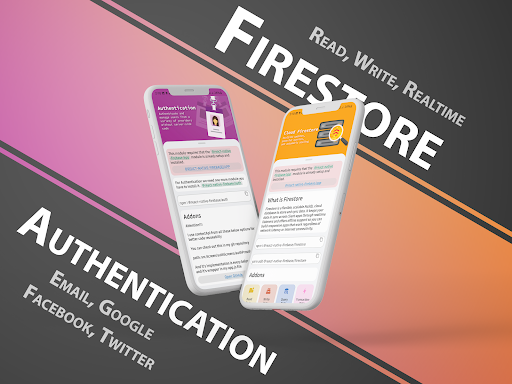
1. Authentication
• Sign in with email and password
• Sign up with email and password
• Forget Password (Reset Password)
• Anonymous Sign in
• Phone Number
• Facebook
• Twitter
• Google
2. Firestore
• Create Collections
• Create document (custom & random UID)
• Delete document
• Update document
• Read document
• Querying Data
• Transaction Data
• Many other
3. Storage
• Upload image files
• Delete specific files
• Read specific files
• Read specific folder
• Generate file download link
• Read a list of data
4. Test Lab
• Provides guidance
• How to upload the app and select devices to test .apk, .aab, or .ipa files with a specific option
• Select the test type
• How to read details of test results
5. App Distribution
• Upload .apk file
• Upload .aab file
• Create testers
• Create a testers group
• Create an invitation link
• Restric on specific domains
6. Cloud Messaging (Push Notification)
• Setup foreground state
• Setup background state
• Setup while the user uses the application
7. In-app Messaging
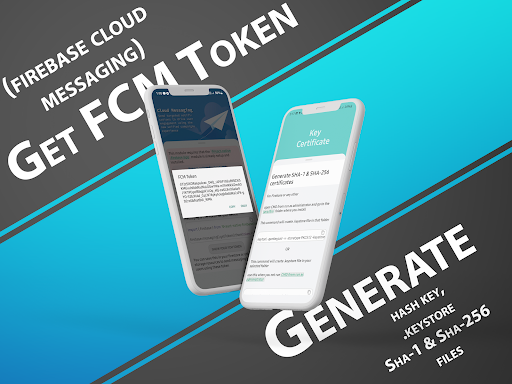
8. FCM Tokens
• How to generate FCM token
• Copy your device FCM token
9. Security Rules
• Set access to a specific user
• Apply restrictions on specific user
• Apply rules on specific files/folder
• Apply Limit upload file size
• Apply to limit specific file type
• Apply rules to read, and write only authenticated users
• Many more...
■ I provide you my GitHub link in-app so you can check out the complete source code and also I provide important code in-app for a better understanding
■ Your guidance will always be welcomed if you found any mistake in this app, contact me
Thank you