Screenshot Finder: AI Search


Screenshot Finder: AI Search Summary
Screenshot Finder: AI Search is a ad-supported, with in-app purchases Android app in Tools by JJ Creator. Released in Mar 2024 (2 years ago). It has about 820+ installs Based on AppGoblin estimates, it reaches roughly 51 monthly active users and generates around $<10K monthly revenue (50% IAP / 50% ads). Store metadata: updated Oct 31, 2025.
Recent activity: 8.00 installs this week (22 over 4 weeks) showing steady growth View trends →
Store info: Last updated on Google Play on Oct 31, 2025 .
0★
Ratings: 0
Screenshots


App Description
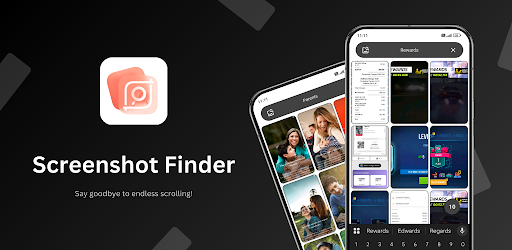
Lost in a sea of screenshots? Not anymore! Find them instantly & organize!
Stop wasting time scrolling through endless screenshots to find that one special screenshot. With Screenshot Finder, instantly find and organize your screenshots #memories!🔥
Screenshot Finder revolutionizes how you interact with your screenshots. No more tedious scrolling or cluttered galleries— our innovative AI search technology lets you find any screenshot by typing a word. 😎
Features:
🔍 Effortless Search: Instantly find screenshots with keywords or phrases—no more endless scrolling
🌟 Smart Organization: App allows you to sort screenshots into folders for quick access
🔒 Privacy Protection: Your privacy is our top priority. Screenshot Finder doesn't collect any data. All OCR processing is done offline, ensuring no data leaves your device— that's our guarantee
🚀 Lightning-fast Performance: Experience seamless performance and lightning-fast search results, even with tons of screenshots
How It Works:
1. Capture screenshots
2. Search with keywords
3. Get screenshots instantly!
Screenshot Finder is essential for students, gamers, and anyone who captures daily screenshots (#moments). Download now and take full control of your screenshots #memories— don’t wait! ✨