Bubble Level | Spirit Level


Bubble Level | Spirit Level Summary
Bubble Level | Spirit Level is a ad-supported Android app in Tools by Kunal Applications. Released in Oct 2019 (6 years ago). It has about 1.4K+ installs and 6.00 ratings . Based on AppGoblin estimates, it reaches roughly 63 monthly active users and generates around $<10K monthly revenue (0% IAP / 100% ads). Store metadata: updated Jul 31, 2025.
Store info: Last updated on Google Play on Jul 31, 2025 .
0★
Ratings: 6.00
Screenshots

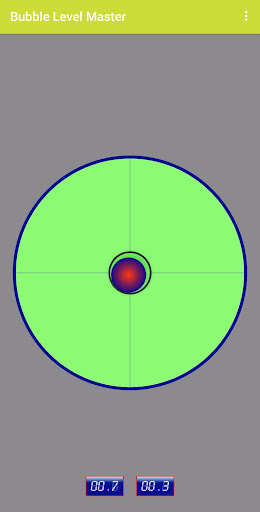
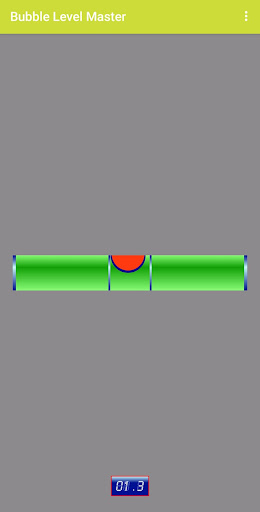
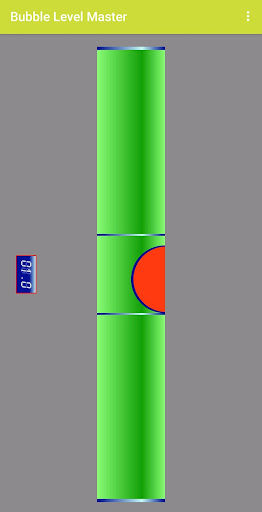
App Description
By using of this application you may use your mobile for leveling any surface
A bubble level or simply a level is an instrument designed to indicate whether a surface is horizontal (level) or vertical (plumb). This application is easy to use and to accurate level.
Early tubular spirit levels had very slightly curved glass vials with constant inner diameter at each viewing point. Now we are providing this tool, digitally in your mobile.
Where you can use Bubble Level?
A bubble level is usually used in construction, carpentry and photography to determine if objects on which you're working on are level. Used properly, a bubble level can help you create flawlessly leveled pieces of furniture, help you when hanging paintings or other items on the wall, level billiard table, level table tennis table, set up a tripod for photographs, level your trailer or camper and much more. It’s a must have device for any home or apartment.
Your device should already be calibrated by the manufacturer. In case you believe it is wrongly calibrated you can recalibrate your device by opening calibration, placing your device screen facing up on a perfectly leveled surface (like the floor of your room) and press SET. Press RESET to return to your device default factory calibration.
Features of the application :
** Level horizontal, vertical and floor.
** Digital indication meter
** Celebrate as per your surface or default
** Three display type
** Allow level orientation lock
** Eco mode
** Three Viscosity
** Play sound when leveled