LINE WORKS Vision


LINE WORKS Vision Summary
LINE WORKS Vision is a mobile Android app in Lifestyle by LINE WORKS Corp.. It has about 772+ installs Based on AppGoblin estimates, it reaches roughly 65 monthly active users . Store metadata: updated Mar 19, 2026.
Recent activity: 4.00 installs this week (14 over 4 weeks) showing steady growth View trends →
Store info: Last updated on Google Play on Mar 19, 2026 .
0★
Ratings: 0
Screenshots

App Description
LINE WORKS Vision is a service that allows you to check images shot with our cameras in real time.
◆ Overview
I want to work while checking the LIVE video, but I can't sit in front of my computer all the time. When I'm in the field, I want to share information with other people. LINE WORKS Vision is a service that allows you to check images shot with our cameras in real time. What's more, you can go back and check past footage, so you can understand the situation even when you're not there. Furthermore, if you use the clip function, you can cut out and check footage from a specific time period.
◆ Check the LIVE video
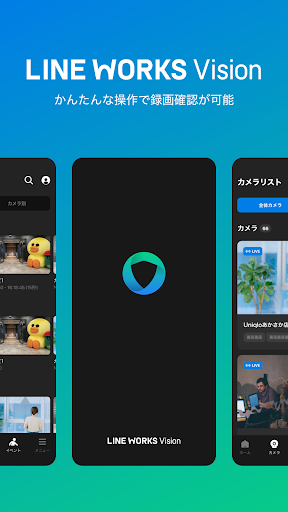
You can check the live video through the LINE WORKS Vision camera.
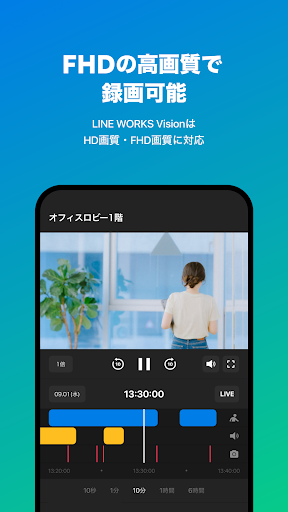
You can seamlessly check the previous video by operating the seek bar.
◆ Cut the video at the desired location
You can use the Clip function to cut out and check footage from a specified period.
◆ Download Clip video
You can download and save the clipped video in MP4 file format.
You can keep the footage you need even after the retention period for each plan has expired.
◆ Notifications when motion or audio events occur
You can receive a notification to notify you of an event when video or audio detected by the camera occurs.
You can notice when an event occurs even if you are not constantly watching the video.
◆ Permission settings for each user
You can control what each user can see by setting permissions.
Changing the reference range depending on the role helps protect video data.
privacy policy
https://line-works.com/ai-product/privacy/