CPU Monitor - temperature


CPU Monitor - temperature Summary
CPU Monitor - temperature is a ad-supported Android app in Tools by Lite Tools Games. Released in Apr 2024 (2 years ago). It has about 10.9M+ installs and 59.4K ratings with a 4.44★ (good) average. Based on AppGoblin estimates, it reaches roughly 1.8M monthly active users and generates around $50K+ monthly revenue (0% IAP / 100% ads). Store metadata: updated Jan 7, 2026, version 19.
Recent activity: 100.2K installs this week (376.7K over 4 weeks) showing steady growth , and 550 new ratings this week View trends →
Advertising: AppGoblin detected 1.00 monetized ad creatives shown inside the app.
Data tracking: SDKs and third-party integrations were last analyzed on Jan 15, 2026.
Store info: Last updated on Google Play on Jan 7, 2026 (version 19).
SDKs, Trackers & Permissions
CPU Monitor - temperature was last scanned for SDKs 2026-01-15. Below is the overview of third party companies detected in the app. The full list of raw SDKs, app permissions and unknown SDKs is available here.
AppGoblin saw CPU Monitor - temperature uses 9 Development Tools
 Google
 Kotlin
 Square
AppGoblin saw CPU Monitor - temperature uses 8 Ad Networks
 AppLovin
 Vungle
 Pangle
 VK
VKAppGoblin saw CPU Monitor - temperature uses 1 Mediation
 AdMob
AdMobAppGoblin saw CPU Monitor - temperature uses 1 Business Tools
AppGoblin saw CPU Monitor - temperature uses 1 Analytics: Attribution
 AppsFlyer
AppGoblin saw CPU Monitor - temperature uses 1 Analytics: Product
 Firebase
App Details
App Store
Ads & App-Ads.txt
AppGoblin SDK Scans
4.44★
Ratings: 59.4K
Screenshots

App Description
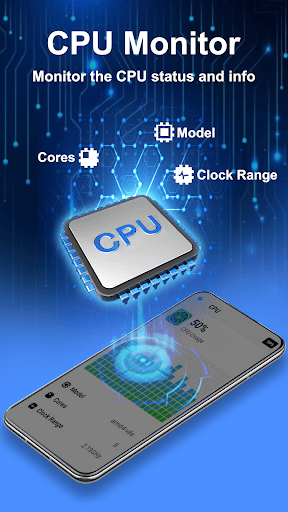
Monitor CPU usage and frequency real time; View details of your phone.
A beautiful and powerful free app for android. It can monitor the device's CPU usage and frequency real time, analyze the causes of phone overheating, monitor the battery temperature (approximate temperature of the phone or CPU), and provide efficient tips to cool down your phone.
CPU Monitor:
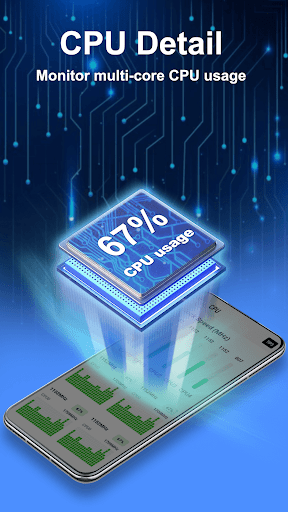
CPU Monitor feature can monitor the CPU usage and frequency, analyze the history data, and clock speed for each core, provide efficient cooler tips to prevent phone from overheating.
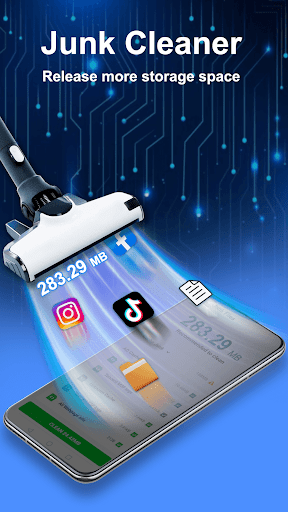
Junk Cleaner:
The junk cleaner feature can display the phone storage, and help to release more storage space. It scans your phone for unnecessary junk files and residual files. And it removes them to free up more storage space for your android phone.
App Manager:
The app manager feature allows you to back up or uninstall applications on your phone and delete the installed Android package file (app APK) if necessary.
Battery Monitor:
It can display the status of device's battery, including the battery power status, temperature, health, remaining time and other detail information.
Device information:
Provide detail information about the device, including: SoC (System On Chip) name, architecture, device brand & model, screen resolution, storage, camera, and more.
Widget:
Support desktop widget including: cpu, battery and so on.