192.168.l.l admin setup guide


192.168.l.l admin setup guide Summary
192.168.l.l admin setup guide is a ad-supported Android app in Tools by tbeapps. Released in Jan 2019 (7 years ago). It has about 57K+ installs Based on AppGoblin estimates, it reaches roughly 1.4K monthly active users and generates around $<10K monthly revenue (0% IAP / 100% ads). Store metadata: updated Sep 28, 2025.
Recent activity: 261 installs this week (3.4K over 4 weeks) showing exceptional growth View trends →
Store info: Last updated on Google Play on Sep 28, 2025 .
4.09★
Ratings: 0
Screenshots


App Description
How to configure your router admin
You can use the router configuration required to create the internet connection. You can login to the modem interface with your router IP address. You can learn the default username and password required for this in our application.
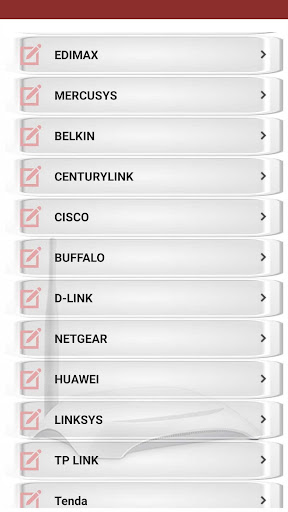
You can start the router configuration by downloading our application immediately. Tp link, netgear, belkin, asus, d link, linksys etc. are used in our application of the most widely used modem brands. It is for your benefit that you obtain a backup of your modem and register your information before configuration.
What's in the app content
* Information about 192.168.l.l configuration (router password show list - default username & passwords)
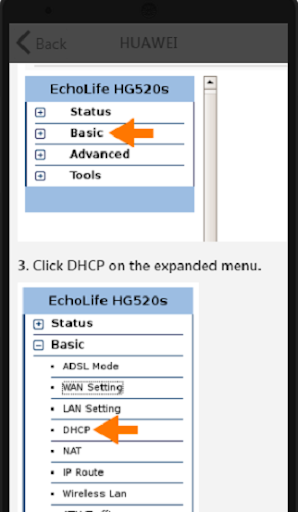
* How to do router configurations (tp link, netgear router, centurylink, belkin router, asus router, d link, huawei, mercusys, etisalat, tenda, linksys)
* How to do wifi router setting and router password change (For your security, you need to change the router password periodically.)