Always On Display - Amoled


Always On Display - Amoled Summary
Always On Display - Amoled is a ad-supported Android app in Personalization by Luko Parallel App Pvt Ltd. Released in Sep 2017 (8 years ago). It has about 1.5M+ installs and 3.3K ratings with a 3.64★ (average) average. Based on AppGoblin estimates, it reaches roughly 23.3K monthly active users and generates around $<10K monthly revenue (0% IAP / 100% ads). Store metadata: updated Dec 21, 2023.
Recent activity: 21K installs this week (22.6K over 4 weeks) showing exceptional growth , and 3.00 new ratings this week View trends →
Store info: Last updated on Google Play on Dec 21, 2023 .
3.64★
Ratings: 3.3K
Screenshots

App Description
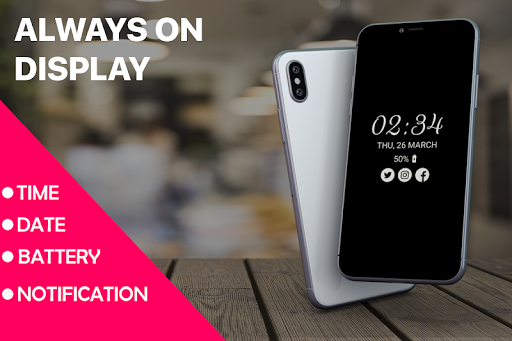
Always on AMOLED display Time , Date and Notification on your Mobile Screen
Always on Display - AMOLED display time , date , notifications and other information without having to touch the phone. Try the new feature from Samsung Galaxy S7 , Galaxy S7 edge and Galaxy S8 .This will help you to have a clock on your mobile screen without touching it.
Always On Display app is designed for this proposes to show some basic information in black screen whenever you want. All this information will be permanently displayed on your screen.
Always on Amoled features !
* Display battery level.
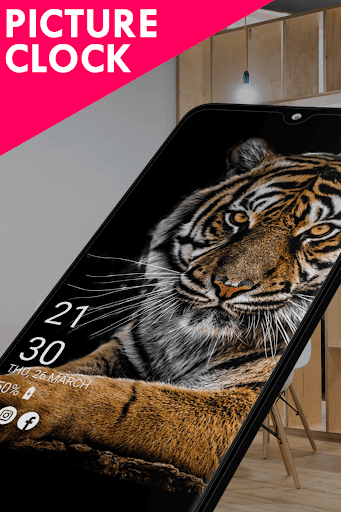
* Change font size, color.
* Auto ON/OFF Screen feature.
* Easy to use Always on Amoled.
* Display notifications information.
* Great design and awesome performance.
* Enable/Disable showing notifications
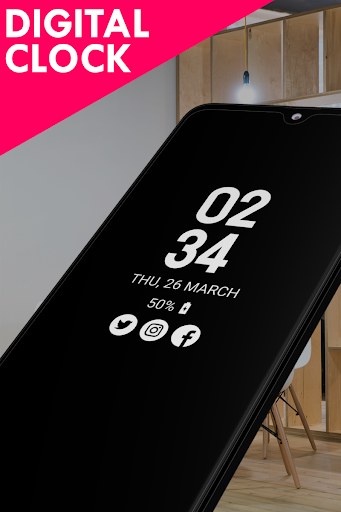
* Change clock style (digital, analog).
* You can select the color of the text that you want
* Automatic rules preserve battery using predefined rules
* Always on screen on (double tap will turn screen the on).
How to use this App ( Always on Screen Clock ):
1. Open Always on Display-AMOLED, start service
3. To weak up your phone, double tap on screen
4. To turn off screen just press power button
5. The user can on or off service.
I wish app ( Always on Display Screen Clock ) will make your life better and more convenient.