Thailand VPN - for OpenVPN


Thailand VPN - for OpenVPN Summary
Thailand VPN - for OpenVPN is a ad-supported Android app in Productivity by MaxEveryday. Released in Oct 2016 (9 years ago). It has about 2.1M+ installs and 3.6K ratings with a 3.05★ (mixed) average. Based on AppGoblin estimates, it reaches roughly 31.3K monthly active users and generates around $<10K monthly revenue (0% IAP / 100% ads). Store metadata: updated Jan 9, 2026.
Recent activity: 813 installs this week (118.9K over 4 weeks) showing exceptional growth , and 2.00 new ratings this week View trends →
Data tracking: SDKs and third-party integrations were last analyzed on Apr 18, 2025.
Store info: Last updated on Google Play on Jan 9, 2026 .
Thailand VPN - for OpenVPN was last scanned for SDKs 2025-04-18. Below is the overview of third party companies detected in the app. The full list of raw SDKs, app permissions and unknown SDKs is available here.
 Google
 Kotlin
 AdMob
AdMob Firebase
3.05★
Ratings: 3.6K
Screenshots

App Description
OpenVPN plugin, connect to Thailand
"OpenVPN For Android" is the official full-featured Android VPN client for the OpenVPN Access Server, Private Tunnel VPN and OpenVPN Community, developed by OpenVPN Technologies, Inc, this plug-in is not developed by OpenVPN Technologies, Inc.
Data channel encryption, through the firewall, to protect your privacy
OpenVPN for Android download:
https://play.google.com/store/apps/details?id=de.blinkt.openvpn
Tutorial: http://max-everyday.com/2017/04/japanvpn-tutorial/
*** important ***
- This application is a plug-in, can not work independently.
- It is recommended to install OpenVPN official client "OpenVPN For Android", this application for it to do some special design.
*** How to use ***
As "OpenVPN For Android" plugin as an example:
1. Install this application, while installation "OpenVPN For Android"
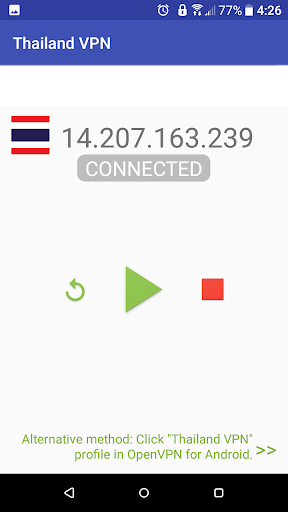
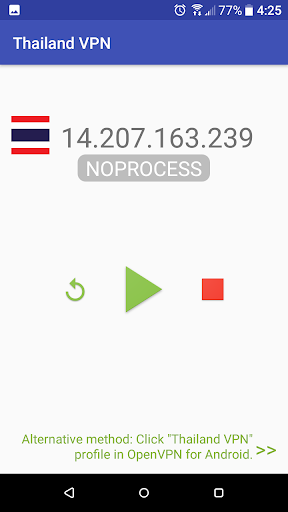
2. open this application, click the Refresh button, the server list will appear later
3. Click on "Play" button , the IP address of OpenVPN profile will be save, import and start to connect to the server by pass command to "OpenVPN For Android" app.
4. If you're lucky enough, free server is not busy, your device will be successfully connected to VPN server.
*** common problem ***
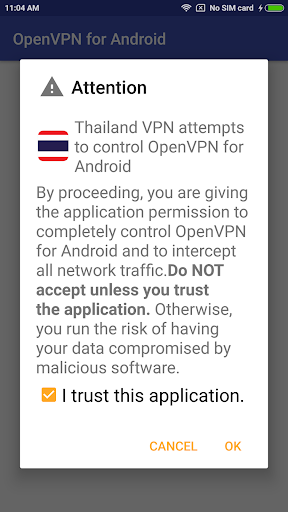
1. "Trust this program" can not tick?
>> Installation of the software conflict, check whether the installation called "blue light filter" software, please try to stop it (or temporarily removed)
2. Can't connect to server, show error: "PolarSSL: SSL read error : X509 - Certificate verification failed".
>> Some servers may not work very stable, press the "reload" button to get new server ip to retry.
This free app not able to guarantee the quality of service.