Unblock 2 Escape


Unblock 2 Escape Summary
Unblock 2 Escape is a ad-supported, with in-app purchases Android app in Puzzle by Mana Battery ApS. Released in Apr 2013 (13 years ago). It has about 33.8K+ installs and 468 ratings with a 4.60★ (excellent) average. Based on AppGoblin estimates, it reaches roughly 12.3K monthly active users and generates around $<10K monthly revenue (73% IAP / 27% ads). Store metadata: updated Sep 3, 2020.
Recent activity: 12.3K installs this week (12.6K over 4 weeks) showing exceptional growth View trends →
Store info: Last updated on Google Play on Sep 3, 2020 .
4.6★
Ratings: 468
Screenshots

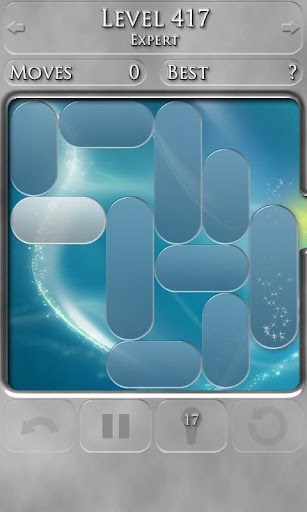
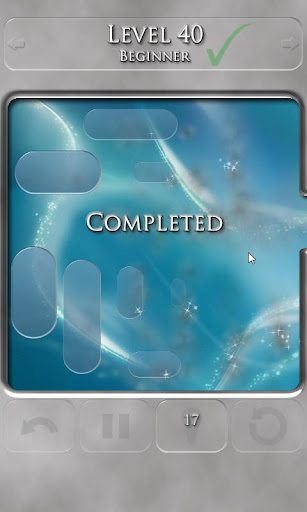
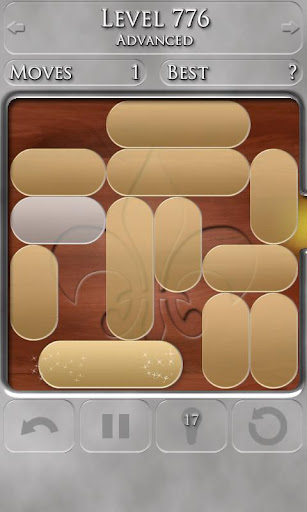
App Description
A smooth, stylish and addictive puzzle game that will exercise your brain!!
Unblock 2 Escape is a simple and addictive puzzle game, that will exercise your brain!! The goal is to escape with the white piece by sliding other blocks out of its way. It comes with 8639 free puzzles and five difficulty levels so there is something for every skill level, and it will provide you with hours of free entertainment. Try to solve the puzzle in challenge mode where each move counts, and a perfect solve will earn you three stars or go for the relax mode, where you can just focus on getting through the puzzles one by one.
• Ultra smooth graphics with full tablet support.
• Leaderboards via the Google Play Game Services.
• Achievements via the Google Play Game Services.
• 8639 free puzzles. 100 extra difficulty ones can be unlocked.
• Five free difficulty levels: novice, beginner, intermediate, advanced & expert.
• One extra difficulty levels can be unlocked: Professor
• Play in either challenge or relax mode.
• Solve/hint system to help you, if you are stuck.
• Solve a level with the minimum number of slide moves and earn an extra solve.
• Undo & quick restart available.
• Quick jump between levels.
• Customize the game with multiple backgrounds and pieces to choose from.
• Quick difficulty change via the in game menu.
To enable leaderboards and achievements you need to login via the red G+ button in the menu.
To get you started novice & beginner level 1 acts as a tutorial, and you can always access the help screen from the in game menu.
The sound volume can be adjusted in the options menu.