Miracast Screen Sharing/Mirror


Miracast Screen Sharing/Mirror Summary
Miracast Screen Sharing/Mirror is a mobile Android app in Video Players by Matt Garnes. Released in Dec 2013 (12 years ago). It has about 8.5M+ installs and 12.9K ratings with a 3.56★ (average) average. Based on AppGoblin estimates, it reaches roughly 28.9K monthly active users . Store metadata: updated Apr 23, 2023.
Recent activity: 458 installs this week (2K over 4 weeks) showing steady growth , and -3 new ratings this week View trends →
Data tracking: SDKs and third-party integrations were last analyzed on Apr 8, 2025.
Store info: Last updated on Google Play on Apr 23, 2023 .
3.56★
Ratings: 12.9K
Screenshots

App Description
Cast your screen to your smart TV or miracast dongle with NO ADS!
Share your screen to a smart TV or miracast dongle (like Chromecast) in one click!
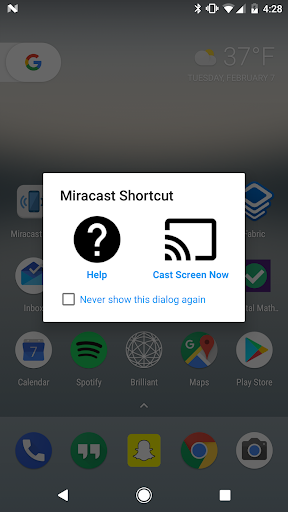
This application provides an easy shortcut and widget to use the Miracast external display screencasting feature included in Android 4.2 and above! With this app, you will more conveniently be able to mirror your screen or use the cast feature from supported applications.
The shortcut doesn't always work, but if you need help, click the help button to get more information about how screencasting works and how to fix problems if you have them. Check out the FAQ within the app for further help if needed!
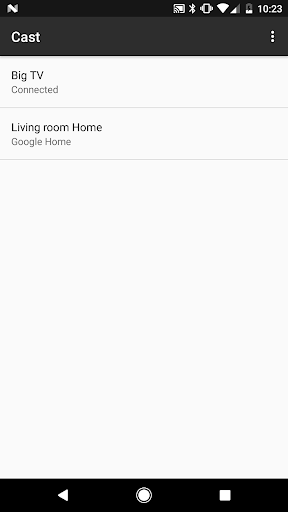
This application brings you to the Settings screen for casting to the following products and more:
- Google Chromecast
- Netgear Push2TV
- Various Smart TVs
- Asus Miracast Wireless Display Dongle
- Amazon Fire TV Stick
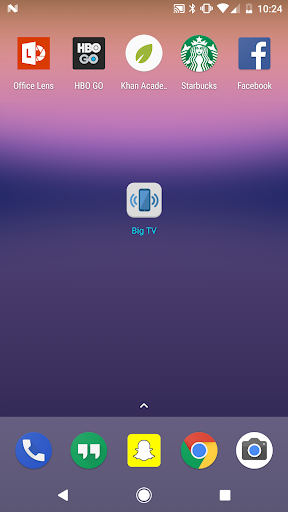
When installed, a widget is added called "Miracast Widget" that will allow you to directly to the Miracast settings screen with one click to send your device's display to your Miracast enabled external display, such as your TV or monitor! When you are casting your screen, the widget will display the name of the screen. You can click the widget again to disconnect.
Also, a launcher icon will be added to your app tray that will launch the settings app directly to the Miracast screen casting settings.