Barcode Scanner


Barcode Scanner Summary
Barcode Scanner is a ad-supported, with in-app purchases Android app in Tools by DaeSun Kwon. Released in Aug 2023 (2 years ago). It has about 71+ installs Based on AppGoblin estimates, it reaches roughly 8.00 monthly active users and generates around $<10K monthly revenue (63% IAP / 37% ads). Store metadata: updated Mar 20, 2026.
Recent activity: 2.00 installs this week (8.00 over 4 weeks) showing above average growth View trends →
Store info: Last updated on Google Play on Mar 20, 2026 .
0★
Ratings: 0
Screenshots


App Description
QR, barcode scanner. Scanner app that supports all formats. API setup support.
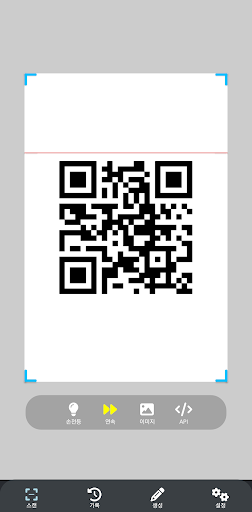
Try our “barcode scanner” that supports all QR code and barcode formats! "Barcode Scanner" app is a powerful tool that helps you easily scan QR codes and barcodes and share them with your friends. Automatically recognizes, scans and decodes QR codes and barcodes just by pointing at them.
It also provides the ability to generate QR codes and barcodes. It is very useful as it can generate QR codes for URLs, texts, social media, emails, contacts, calendars, etc. It can generate DataMetrix, Pdf417, Code128, Code39, Code93, CodaBar, Ean13, Ean8, itf, Upca, Upce, and Aztec barcodes.
You can scan QR code and barcode formats embedded in image files. You can also scan continuously and prevent duplicate scans.
When QR codes and barcodes are recognized by API settings, REST API calls help you use them in conjunction with business systems.
Reasons for choosing "Barcode Scanner"
✔️ Easily scan and create QR codes and barcodes
✔️ Supports all QR code and barcode formats
✔️ Scan QR codes and barcodes from image files
✔️ API setting support
✔️ flashlight support
How to use :
1. Point the camera at QR codes and barcodes.
2. Automatic recognition, scanning and decoding
3. Get results and related options