Microsoft Lens - PDF Scanner


Microsoft Lens - PDF Scanner Summary
Microsoft Lens - PDF Scanner is a free Android app in Productivity by Microsoft Corporation. Released in May 2015 (11 years ago). Store last updated Jan 7, 2026
SDK intelligence: AppGoblin detected 9 development tools(e.g. Google),and 1 analytics: product integrated into Microsoft Lens - PDF Scanner. View full SDK list →
Microsoft Lens - PDF Scanner SDKs Summary
Microsoft Lens - PDF Scanner was last scanned for SDKs on 2026-08-24. Below is the overview of third-party companies detected in the app. The full list of SDKs, permissions and unknowns is available here.
 Google
 Square
 Airbnb Engineering
 Kotlin
 Firebase
0★
Ratings:
Screenshots

App Description
Pocket PDF scanner with integrated OCR
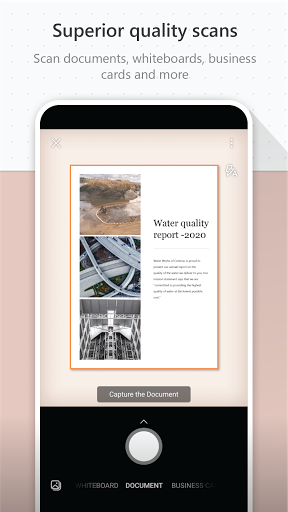
Microsoft Lens (formerly Microsoft Office Lens) trims, enhances, and makes pictures of whiteboards and documents readable.
You can use Microsoft Lens to convert images to PDF, Word, PowerPoint, and Excel files, digitize printed or handwritten text, and save to OneNote, OneDrive, or your local device. You can even import images that are already on your device using Gallery.
PRODUCTIVITY AT WORK
• Scan and upload all your notes, receipts, and documents
• Capture whiteboard at end of the meeting to keep those action items on track
• Scan printed text or handwritten meeting notes to edit and share later
• Keep your business networking contacts handy by scanning business cards and saving them to your contact list
• Choose to save as PDF, Image, Word or PowerPoint formats into OneNote, OneDrive, or local device as location
PRODUCTIVITY AT SCHOOL
• Scan classroom handouts and annotate them in Word and OneNote
• Scan handwritten notes to digitize and edit later (works with English only)
• Take a picture of the whiteboard or blackboard to reference later, even if you're offline
• Keep class notes and your own research organized with the seamless integration with OneNote
By installing the app, you agree to these terms and conditions: http://aka.ms/olensandterms.