Password Manager-Safe passcode


Password Manager-Safe passcode Summary
Password Manager-Safe passcode is a ad-supported Android app in Productivity by Mobi Pixler. Released in Jul 2023 (2 years ago). It has about 66+ installs Based on AppGoblin estimates, it reaches roughly 3.00 monthly active users and generates around $<10K monthly revenue (0% IAP / 100% ads). Store metadata: updated Jul 20, 2023.
Store info: Last updated on Google Play on Jul 20, 2023 .
0★
Ratings: 0
Screenshots

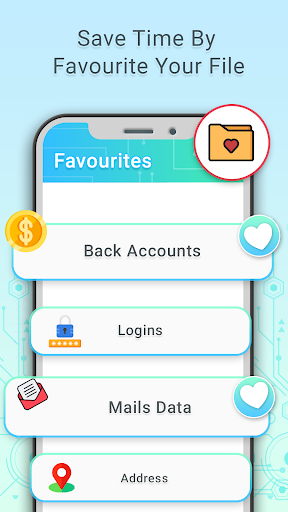
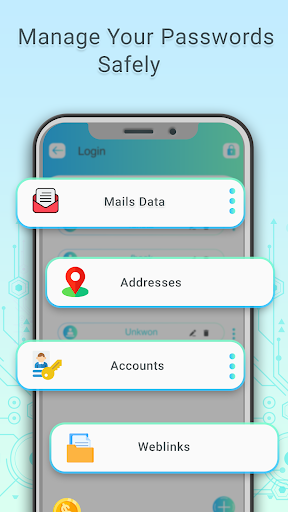
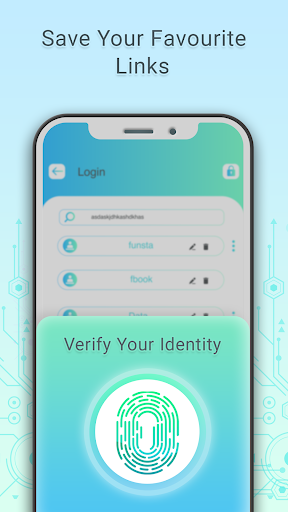
App Description
Password generator helps you to store all your logins, passwords in one place.
Password Manager-Safe passcode offers secure password storage for your passwords, addresses, bank card details, private notes and images of confidential documents, like your passport and driver’s license, and password generator helps you to lock personal information with password, finder print and pattern– giving you faster access to your online accounts, apps and important personal information.
PASSWORD GENERATOR
• Automatically fill in passwords in apps and sites visited using Chrome or other browsers.
• Keep all your passwords in one secure location.
• Arrange your go-to passwords in any order you wish using Pinned view.
• Stay organized with folders and sub-folders.
• Password generator creates unique and hard to guess passwords for each site.
• Support for multi-step logins.
EASY TO USE
Try passcode manager yourself and enjoy an easy-to-use yet powerful user interface.
LOGIN WITH FINGERPRINT
You can instantly unlock the password manager with a fingerprint on devices with a fingerprint sensor. This feature is available on all devices. Devices from other manufacturers should have a finder lock option.
PASSWORD STRENGTH ANALYSIS
Password manager- passcode generator analyzes your password strengths and shows a strength indicator next to each password. The strength indicator displays an estimated crack time for a password.
PASSWORD GENERATOR
The password generator helps you generate random and secure passwords. There is also an option to generate memorable, but still strong passwords.
AUTOMATIC DATA IMPORT
The Desktop application can automatically import your data from another password manager. You don't need to manually reenter all your passwords.