Night Clock


Night Clock Summary
Night Clock is a mobile Android app in Tools by Ned Fox. Released in Mar 2010 (16 years ago). It has about 2.5M+ installs and 9.2K ratings with a 4.06★ (good) average. Based on AppGoblin estimates, it reaches roughly 580.6K monthly active users . Store metadata: updated Feb 5, 2014, version 34.
Recent activity: 475.8K installs this week (951.6K over 4 weeks) showing exceptional growth , and -3 new ratings this week View trends →
Data tracking: SDKs and third-party integrations were last analyzed on Apr 28, 2026.
Store info: Last updated on Google Play on Feb 5, 2014 (version 34).
4.06★
Ratings: 9.2K
Screenshots

App Description
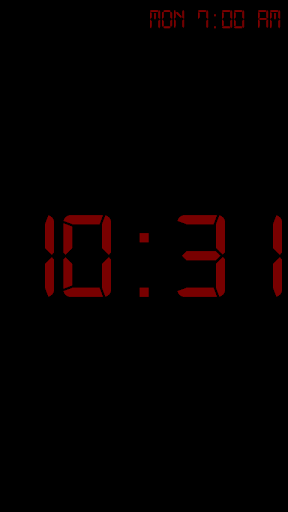
The simplest and dimmest night clock available.
DONATE version turns off button backlights.
If the background is a gradient instead of just black, you need to: turn off "Force GPU rendering" in your phone's "Developer"
settings.
To find the settings menu on S5, just hold in the multitasking key (left soft key at bottom of phone).
If you have a problem, email me! This app is intended to be used with the phone plugged in. In "dim" mode the battery will last longer, but having it on all night will drain at least half your battery if you aren't charging.
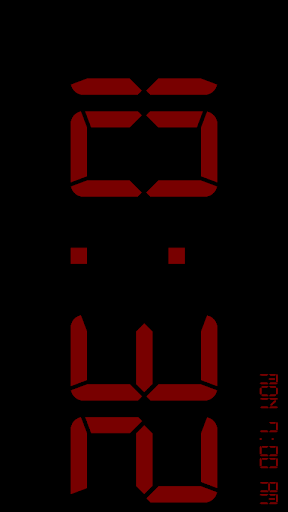
This is a simple, retro-style night clock. It will display the time in big, bold letters (three fonts and any color to choose from), along with having a built-in alarm (or you can use your stock android alarm, it it's supported). Since the screen will stay on while the application is open (unless you manually turn it off), it is highly recommended that you keep your phone plugged in to charge otherwise it will drain the battery.
Some features include:
-Silence notifications
-Tap to dim screen to lowest possible setting
-Launches when put into the multimedia dock (also has flipped mode for use without a dock)
-Font and color settings (when choosing text color, drag your finger away from the center to change transparency)
-Built in alarm (or use stock Android alarm, if your phone supports it)
-Show next alarm on clock screen