Octopus RealTime


Octopus RealTime Summary
Octopus RealTime is a mobile Android app in Finance by Octopus Boekhouden - Comptabilité. It has about 7K+ installs Based on AppGoblin estimates, it reaches roughly 272 monthly active users . Store metadata: updated May 21, 2024.
Recent activity: 10 installs this week (49 over 4 weeks) showing steady growth View trends →
Store info: Last updated on Google Play on May 21, 2024 .
0★
Ratings: 0
Screenshots

App Description
RealTime from Octopus gives you 24/7 insight into your accounting
Are you always aware of your figures in Real Time? With the RealTime App from Octopus you have 24/7 insight into your accounting, you monitor your figures and you can easily upload receipts and invoices.
In short, 3 useful functionalities:
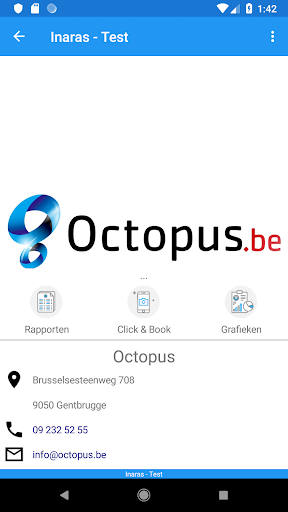
Get a real-time overview of your accounting
You can conveniently display these figures graphically via the “Graphs” function. From now on you can view your results, costs, cash flow and much more on your smartphone or tablet. In short, now you have access to your accounting from anywhere.
Monitor your numbers
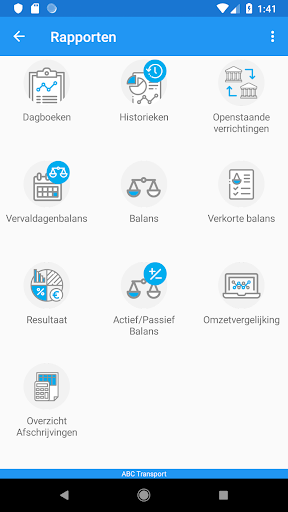
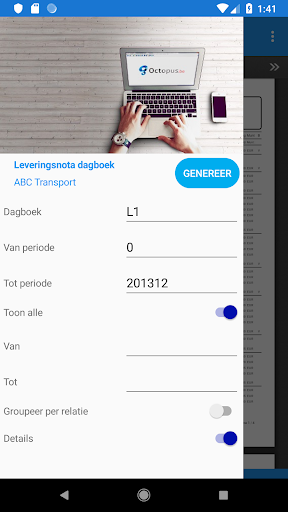
Via the "Reports" function, you can quickly and easily request important data about your accounting. Just think of open transactions, an overview of your diaries, abridged balance sheet and many others. Download all possible reports and send them via your smartphone.
Upload documents
Can you take pictures with your smartphone? Then half the work is already done. Take a photo of your invoice or other document and send it directly to your file via the “Click & Book” function. These documents end up in the Octopus application in the document management (DMS) where you or your accountant can link them to bookings, relationships, investments, etc.
How to start?
To use the RealTime app you need an account. If you already use Octopus, download the app and enter your username and password. If you don't use an Octopus yet, create an account via our website: https://bit.ly/3gGBcdK