Dual Wield


Dual Wield Summary
Dual Wield is a mobile Android app in Tools by odbol productions. Released in Jan 2019 (7 years ago). It has about 138+ installs Based on AppGoblin estimates, it reaches roughly 7.00 monthly active users . Store metadata: updated Jun 10, 2019.
Store info: Last updated on Google Play on Jun 10, 2019 .
0★
Ratings: 0
Screenshots

App Description
Mirror notifications from your iPhone
Dual Wield shows notifications from your iPhone on your Android phone. It will connect them together wirelessly and securely, and mirror every notification on your iPhone to your Android phone.
Every notification posted on your iPhone will also show up on your Android phone, which means it can also show iPhone notifications on your Android Wear / WearOS smartwatch, Android Auto, etc. This is for lazy people who carry around two phones but only want to check one.
It does not sync notifications the other way; i.e. notifications from your Android phone will not show up on your iPhone.
FAQ
========
Q: It stopped syncing notifications? How to fix?
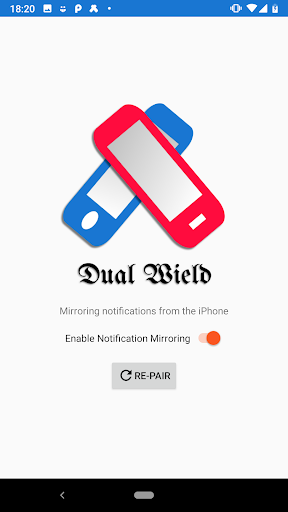
A: Open the app and click the switch to turn off syncing, then click it again to restart syncing.
Q: That didn't work. It still won't connect: it's stuck on "Trying to connect."
A: Try restarting both phones and try again. If it still doesn't work, try clicking "Re-pair".
Q: Why do I need to download Garageband? That's weird!
A: Yes it is! But it's perfectly safe: we use Garageband as a workaround for iPhone's weird Bluetooth setup. Garageband is able to pair the phones over BLE, which is not possible by pairing through the iPhone's Bluetooth settings directly (since iPhone treats Classic Bluetooth and Bluetooth LE as separate addresses/devices: pairing with Classic Bluetooth in the Settings doesn't actually pair as BLE.)
Q: Can I block/hide notifications from specific apps?
A: Yes, simply long-press a notification from the app you want to hide and use Android's built-in blocking feature. It will not block notifications from other iPhone apps.